1. Google Workspace (formerly G Suite)




What it does: A comprehensive cloud productivity suite including Gmail (custom domain email), Google Drive (storage), Docs, Sheets, Slides (collaboration), Meet (video), and administrative tools.
Why it’s useful for startups:
- Enables remote/hybrid work by letting team members collaborate on documents in real-time. (Fueler)
- Cost-effective for small teams, easy to set up and scale.
- Integrates well with other cloud tools and extensions.
What to consider: - Storage limits and tier changes — check what each pricing level gives you.
- Ensure data-security and compliance (especially if you handle sensitive customer information).
- Sometimes users prefer more advanced formatting or features (so evaluate if your startup has special needs).
2. Slack (Team communication & collaboration)
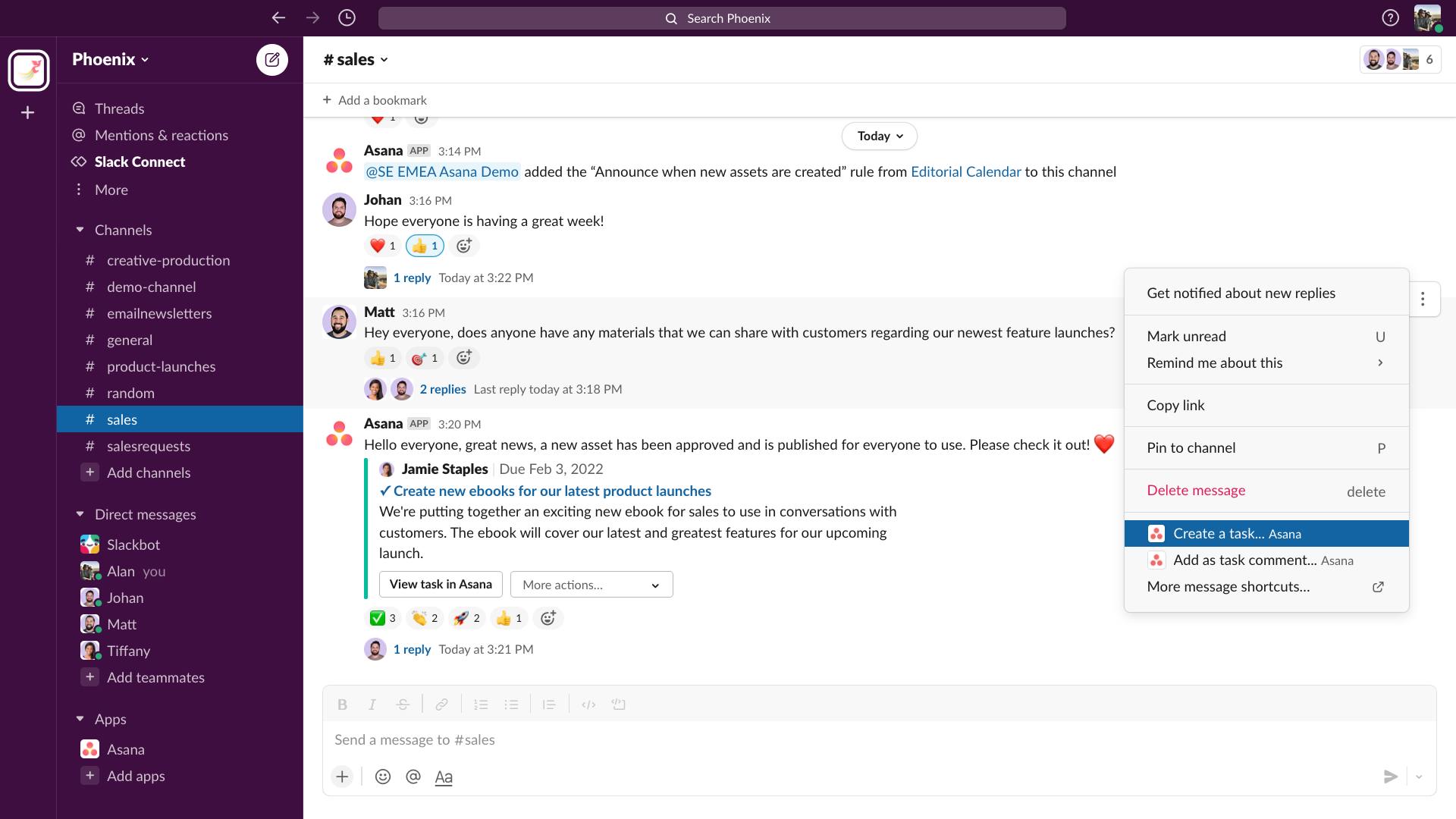
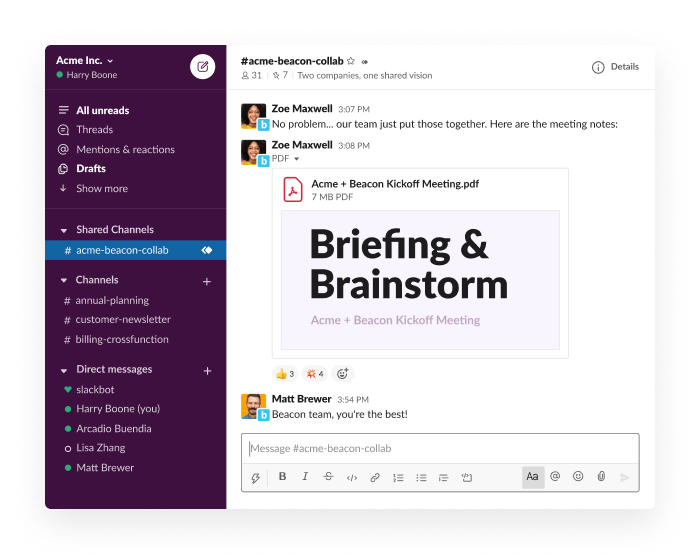



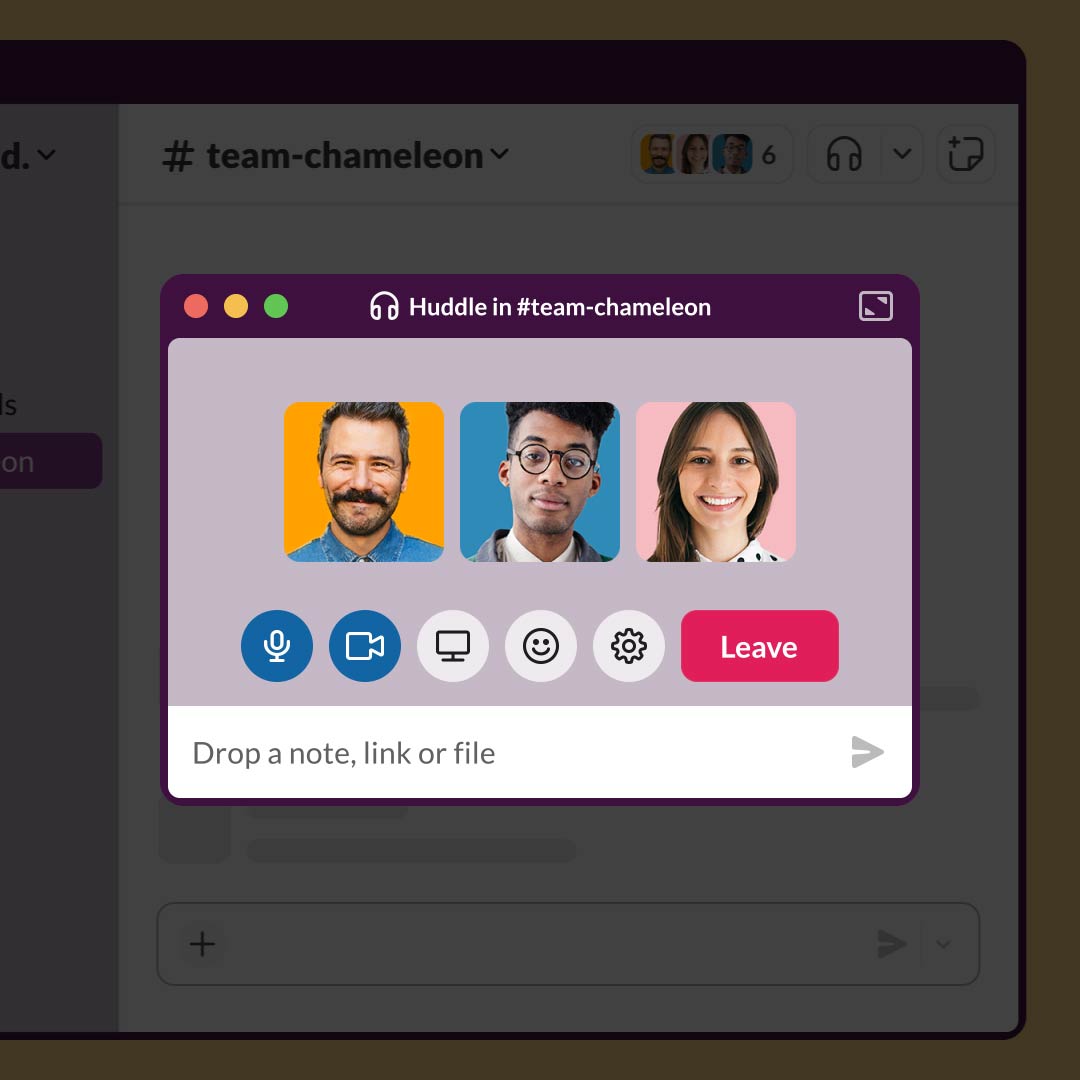
What it does: Cloud-based messaging and collaboration platform with channels, threads, file sharing, and many integrations with other tools.
Why it’s useful:
- Keeps team communication organized—reduces long email chains.
- Supports integrations (for example with project management, files, notifications) so workflows become more streamlined. (Technaureus)
- Helps distributed teams stay aligned.
What to consider: - Slack can become noisy—be deliberate about how you structure channels and notifications.
- Cost increases with team size—monitor user/seat pricing.
- Ensure security settings are configured (especially if you share proprietary information).
3. Asana (Project & task management)
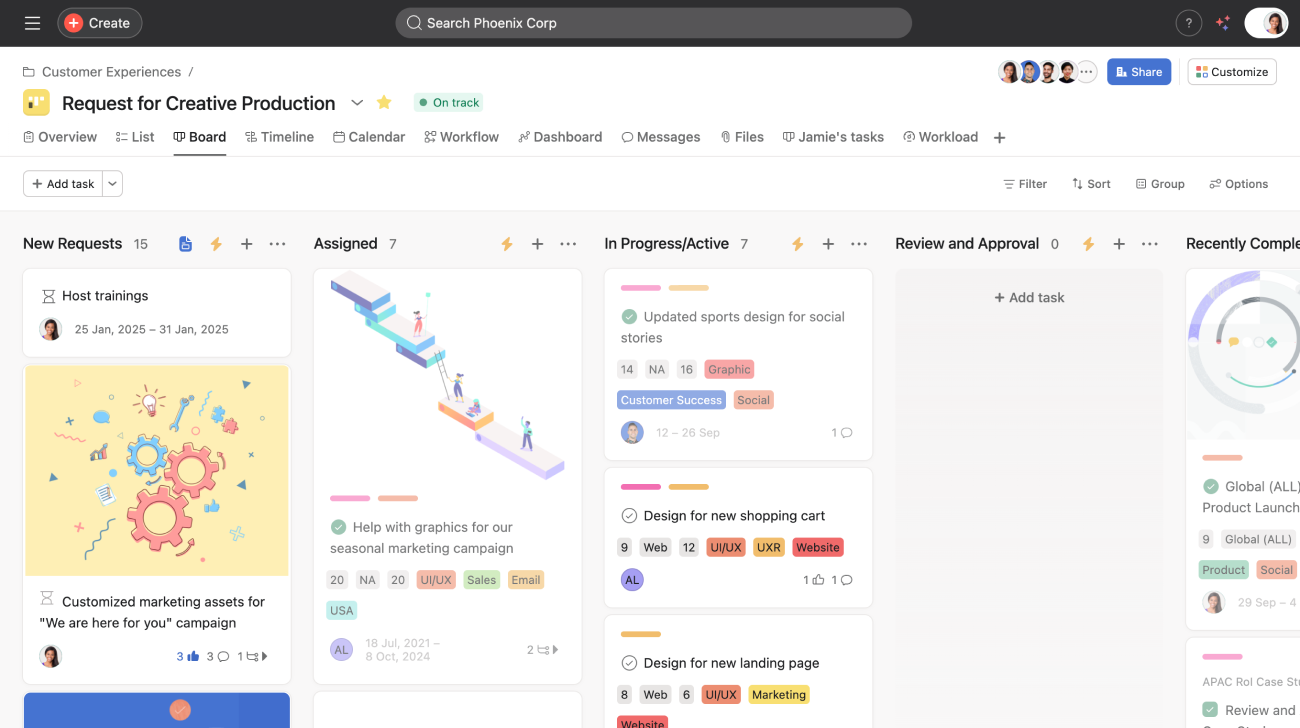
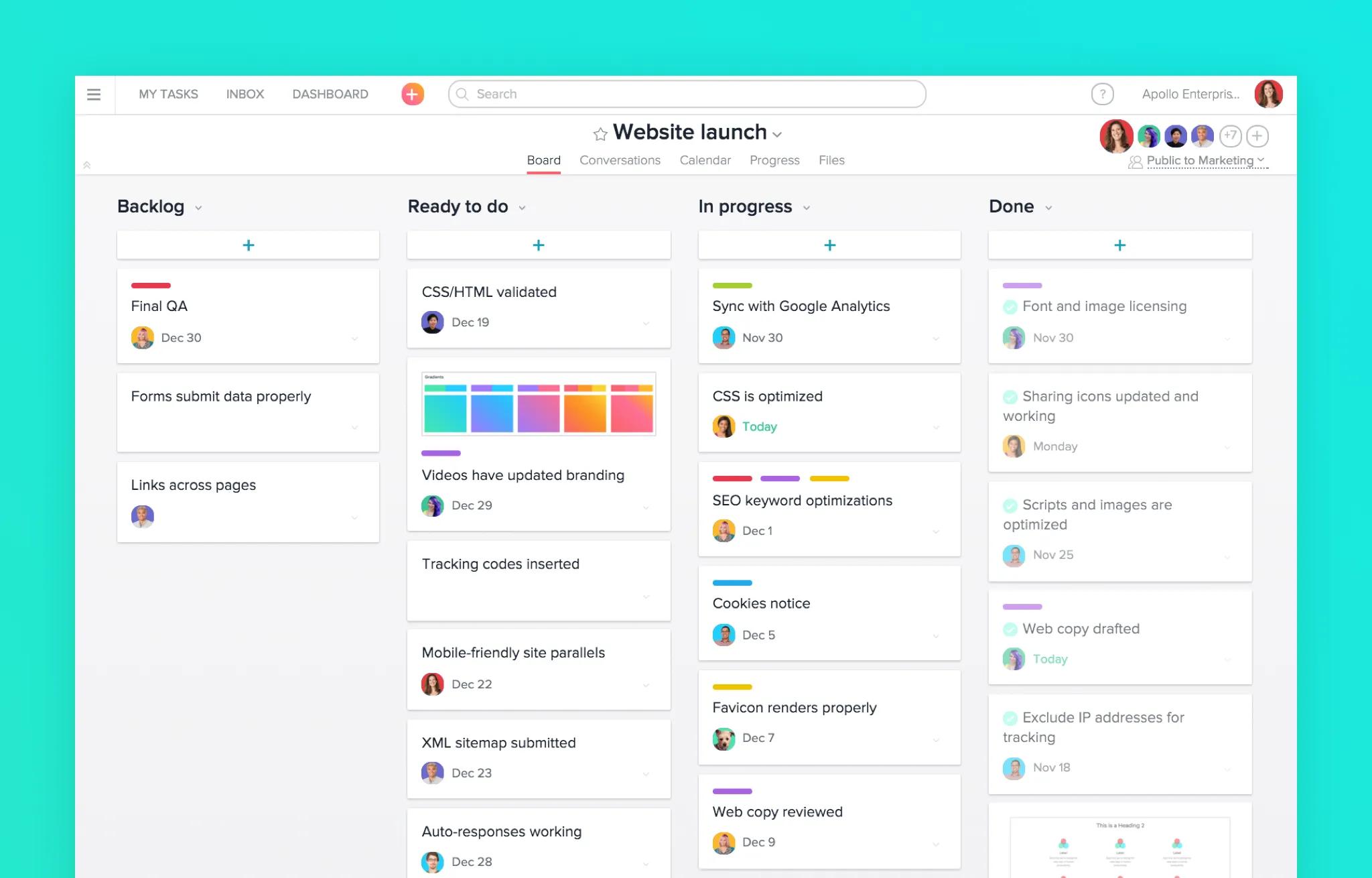
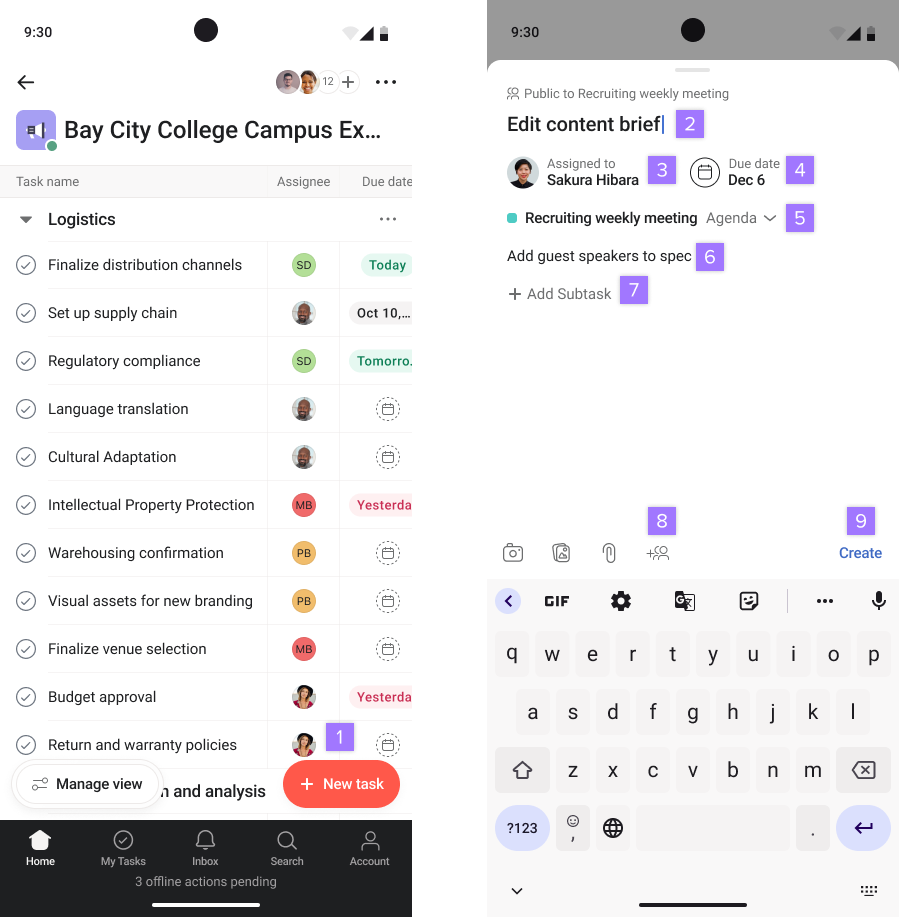

What it does: A cloud project-management tool that enables tasks, dependencies, timelines, shared boards/lists, team tracking.
Why it’s useful:
- Helps startups organize work—who is doing what, by when. (Osmos)
- Visual views (boards, lists, timelines) aid clarity.
- Often easier than heavier enterprise tools for smaller teams.
What to consider: - For very simple workflows, Asana might be more than needed—opt for simpler tools initially if your team is small.
- With growth, ensure you maintain structure (task assignments, ownership) so things don’t fall through cracks.
- Integrations matter—make sure Asana works with your other tools (Slack, Drive, etc).
4. QuickBooks Online / FreshBooks (Cloud accounting & finance)


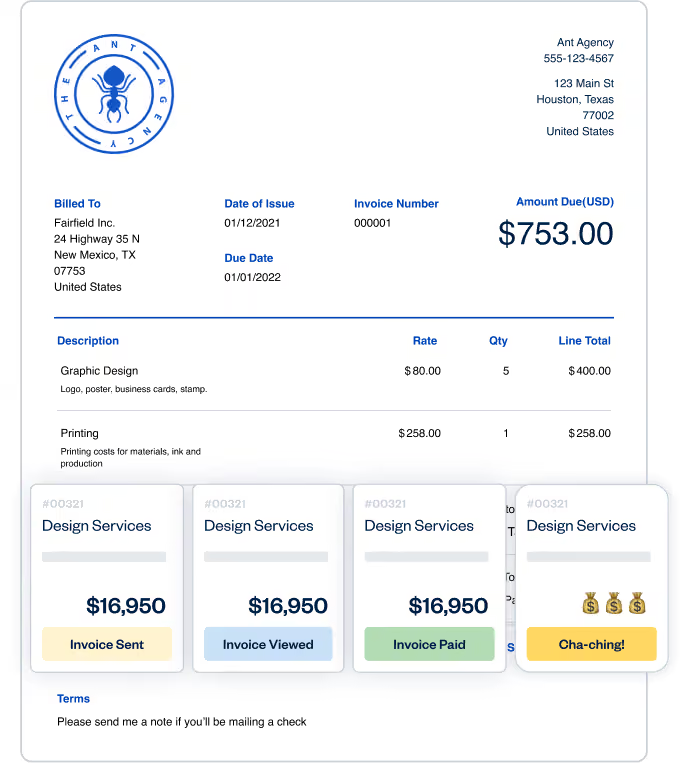


What they do:
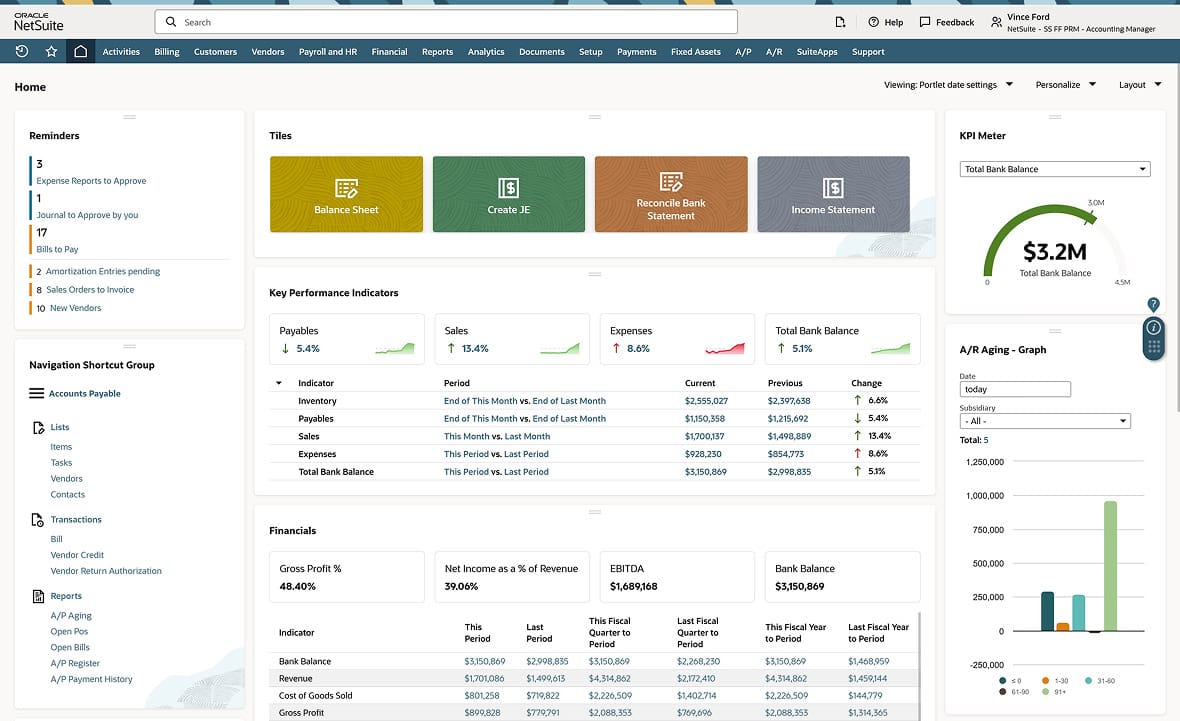
- QuickBooks Online: Full accounting software in cloud for small-medium businesses (invoices, expenses, payroll, tax reports).
- FreshBooks: More targeted toward freelancers / service-based startups; simpler interface, invoicing/time-tracking focus. (Technaureus)
Why they’re useful: - Maintains financial clarity from early on—critical for growth, investment readiness.
- Cloud means your data is accessible anywhere, and you can outsource accounting/bookkeeping more easily.
What to consider: - Choose the tier that supports payroll/expenses/taxes if you have employees.
- Make sure you set up appropriate access rights and backup/data export options.
- If your startup has complex finance requirements (multi-entity, multiple currencies), check for those features.
5. HubSpot CRM (Free CRM + Marketing automation)
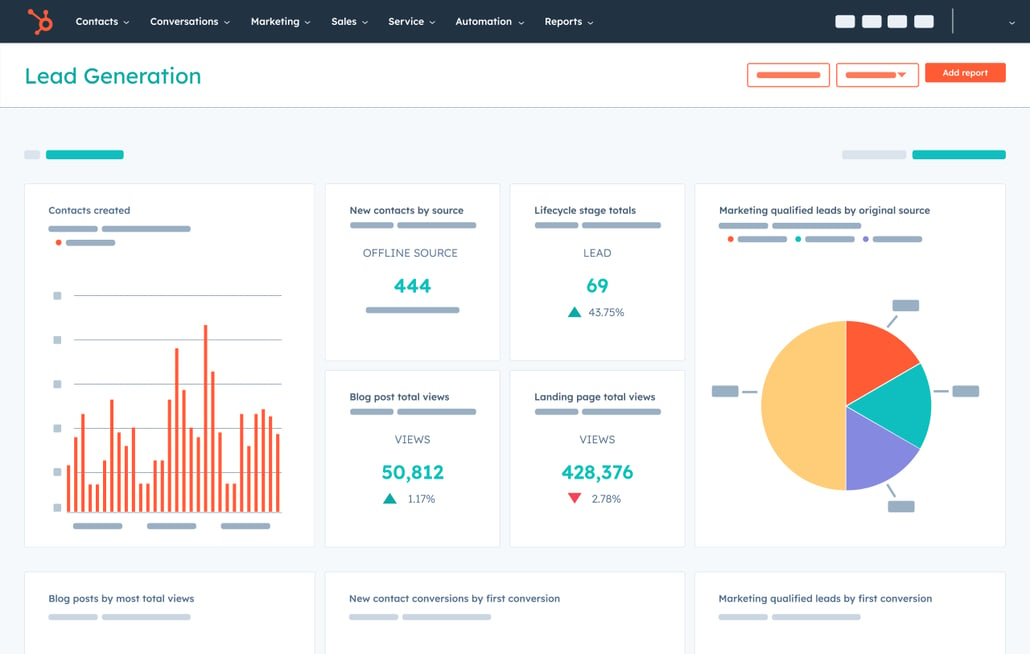
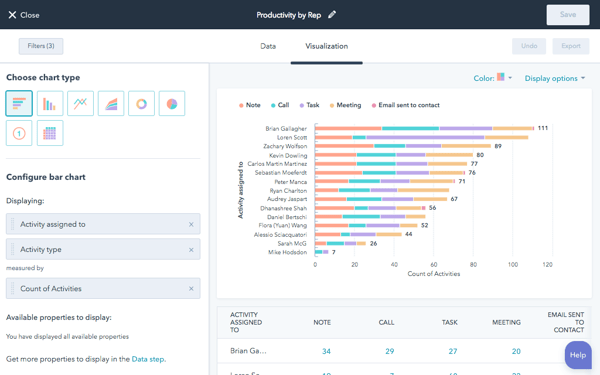

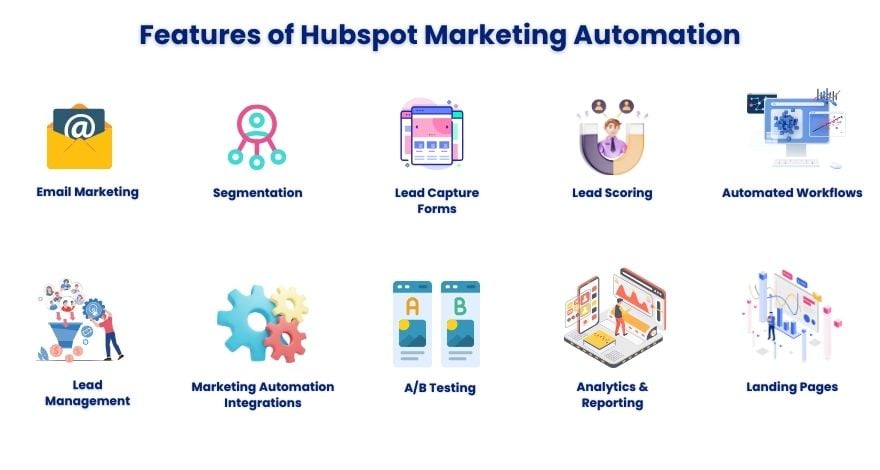
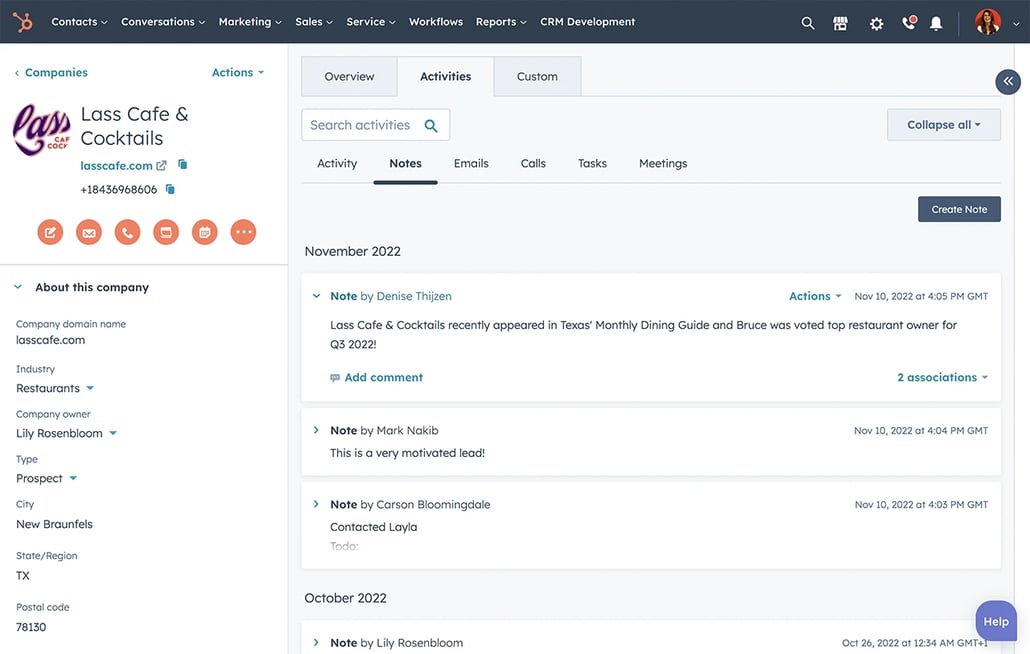

What it does: A cloud-based CRM (customer relationship management) tool with free tier, and optional modules for sales, marketing automation, customer service.
Why it’s useful:
- Lets startups track leads, customer interactions, pipelines early—building good habits.
- Free tier reduces upfront cost; you can upgrade as you grow.
What to consider: - Free tier limits—read what is included (users, contacts, features).
- As you scale, make sure you don’t become locked into a tier that lacks features you need.
- Integrations with your website, email tools, and other systems matter.
6. Dropbox (Cloud storage & file management)
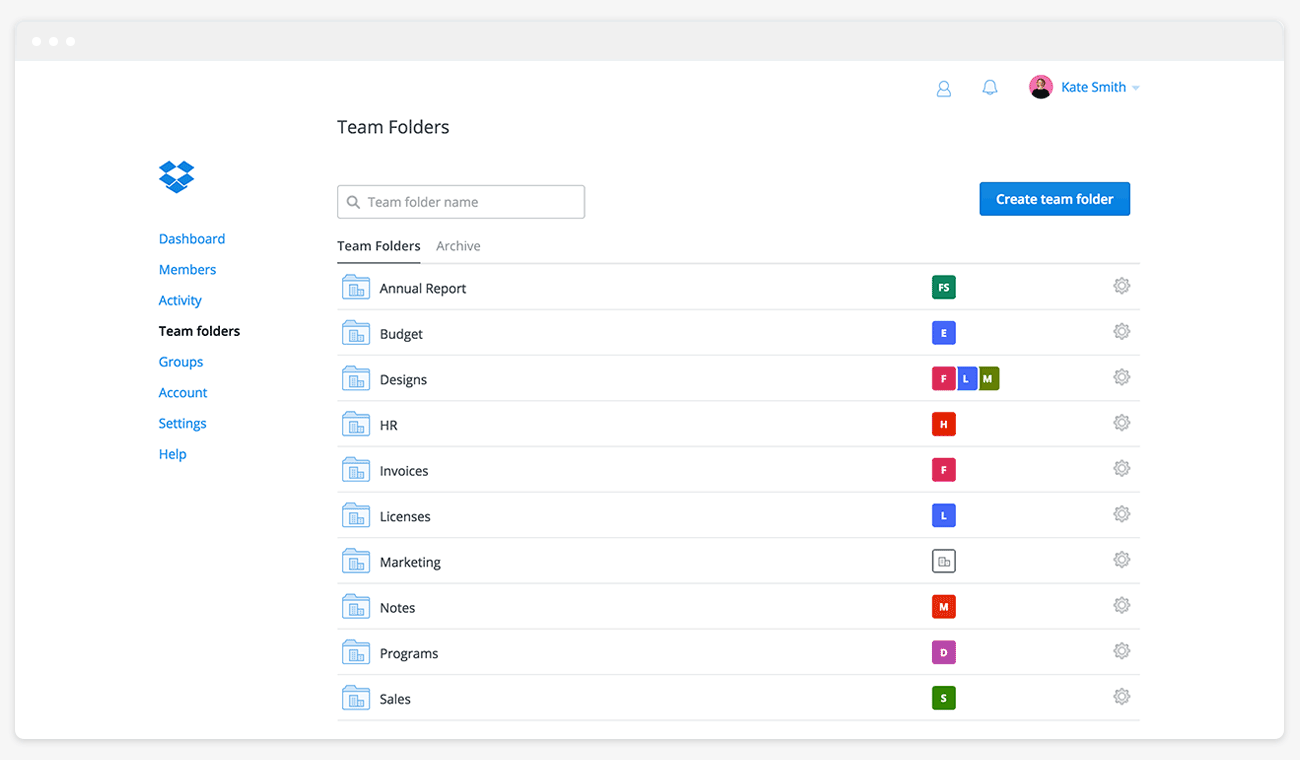

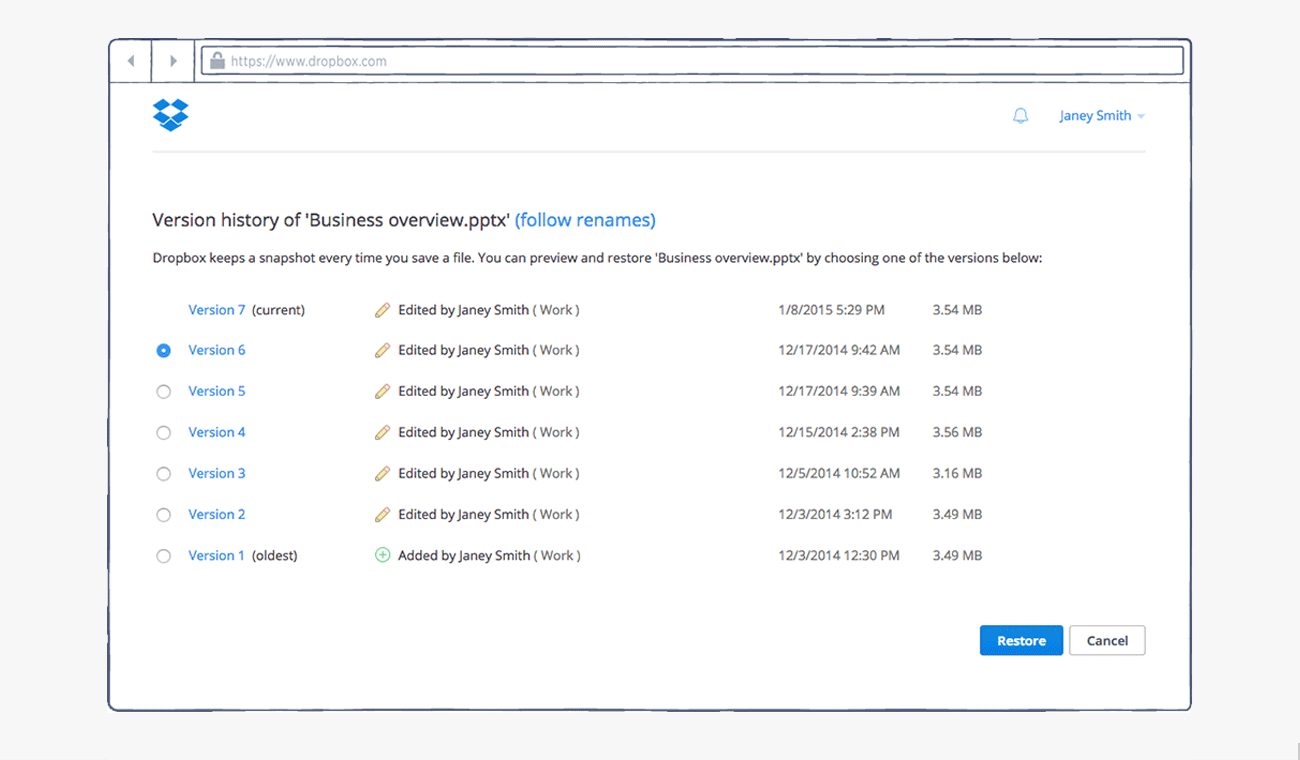
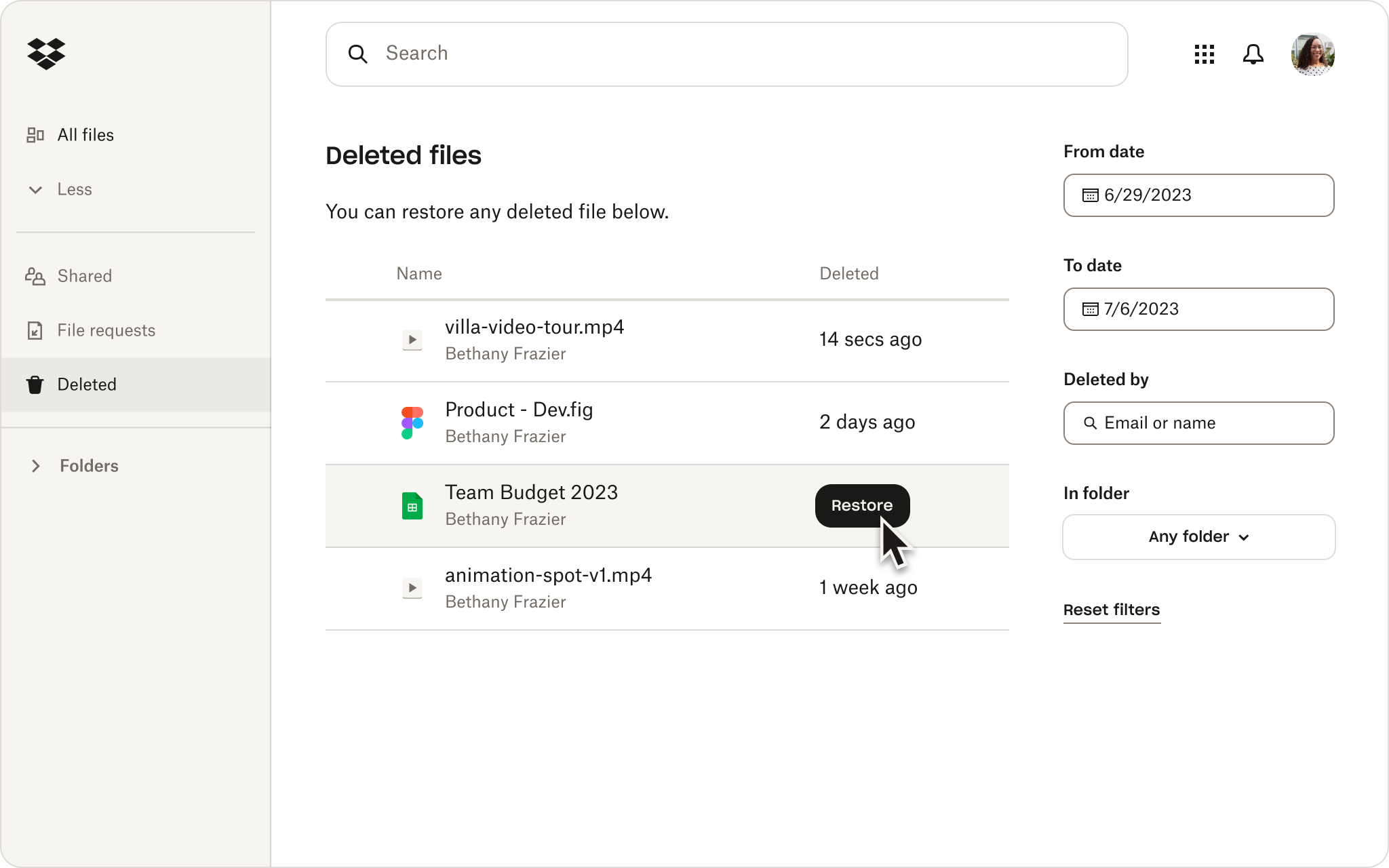


What it does: Cloud file storage, sharing, syncing across devices, version history, team folder features.
Why useful:
- Startups often need shared access to documents, designs, assets; cloud storage makes that simpler. (ZenBusiness)
- Secure backups, file versioning protects against loss or mistakes.
What to consider: - Storage cost grows as you add files/users—plan accordingly.
- File organization and permissions are critical—without discipline you can end up with chaos.
- Integration with other tools (e.g., Slack, project management) can boost productivity.
7. Trello (Lightweight visual task/board tool)
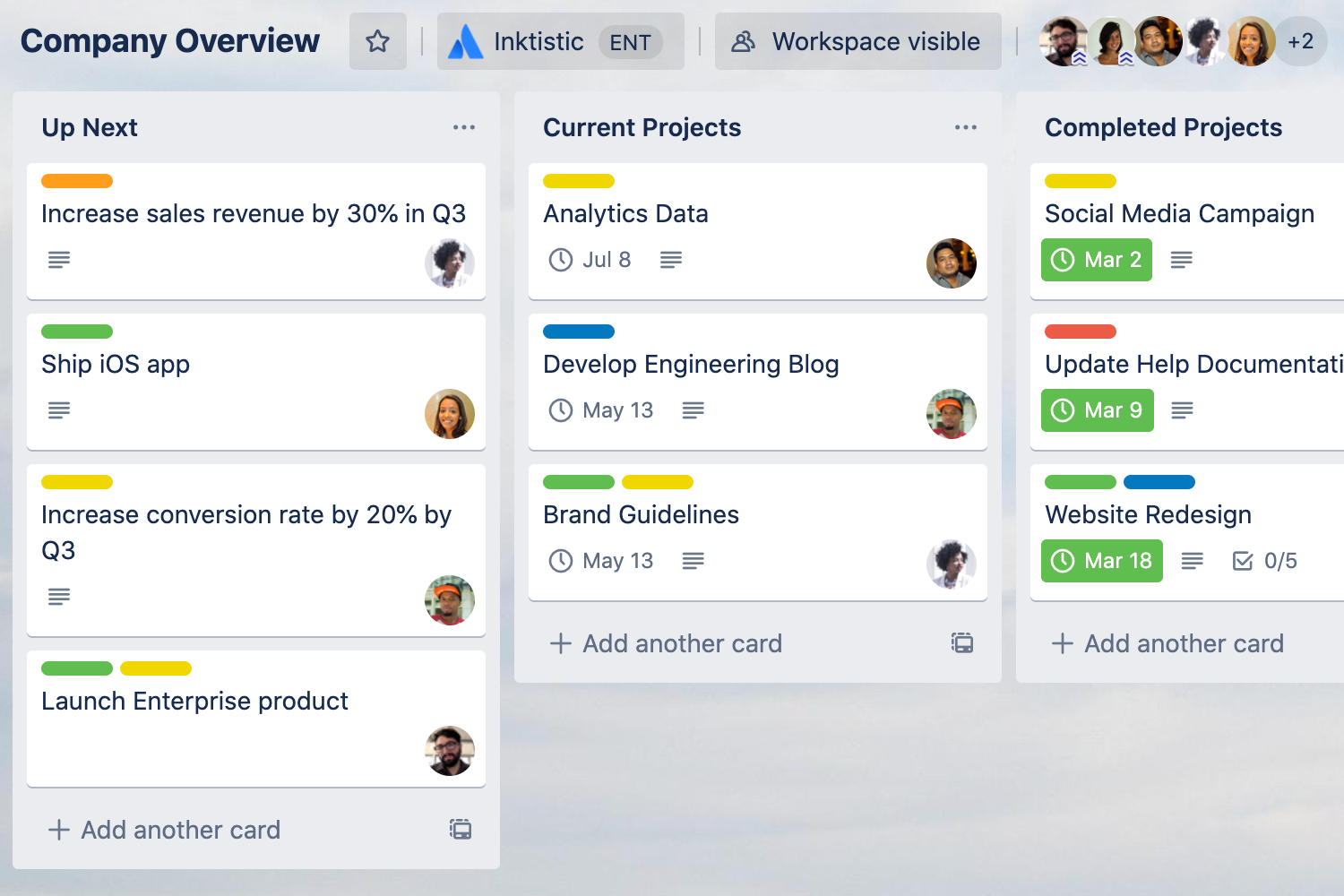
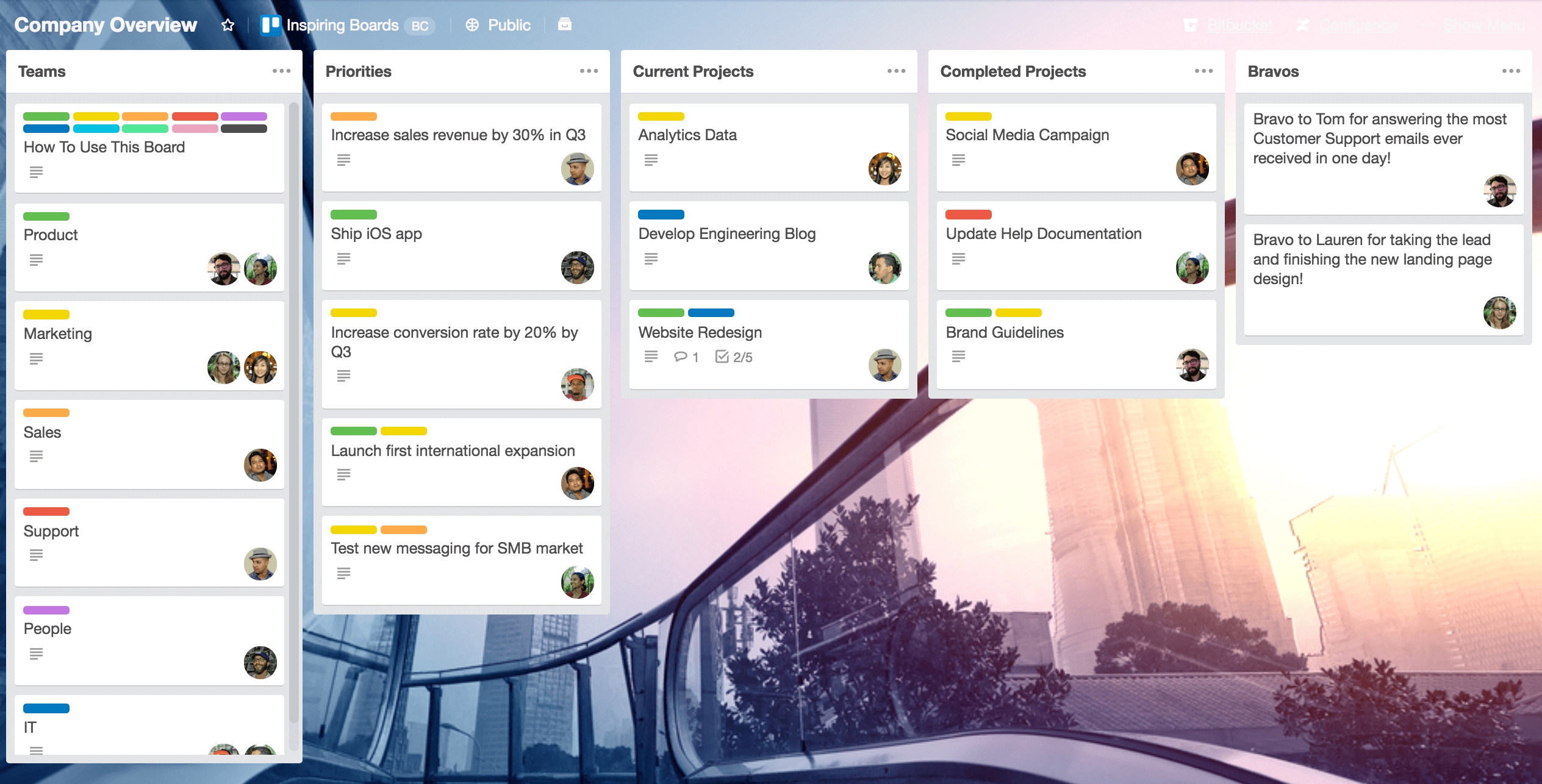
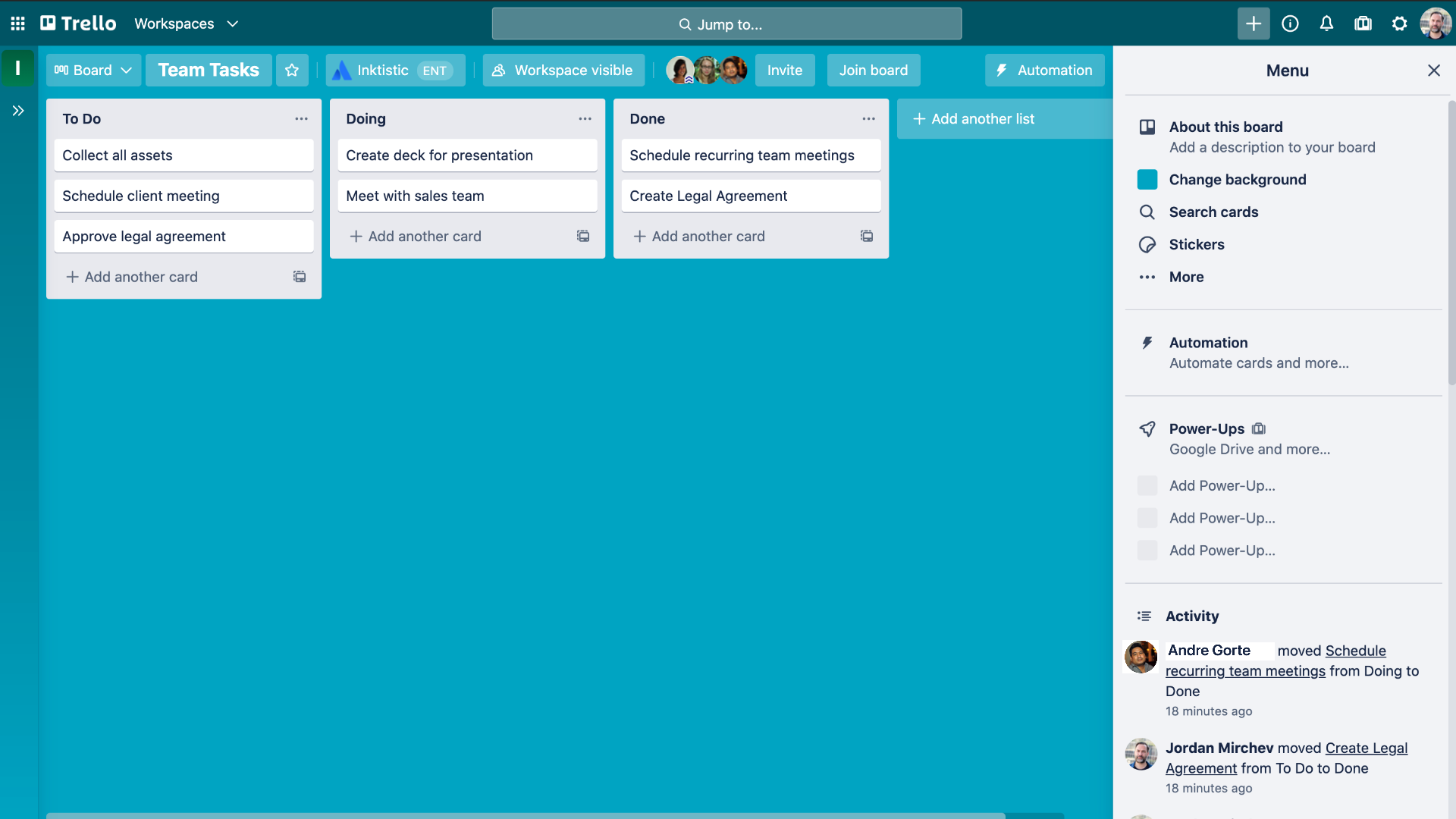


What it does: A cloud-based Kanban board style tool for organizing tasks, workflows, checklists, simple projects.
Why it’s useful:
- Extremely easy to set up—great for early stage teams or simple workflows. (Technaureus)
- Visual & intuitive; can help non-technical founders track progress.
What to consider: - For more complex workflows (dependencies, timeline, resources) you may outgrow it—plan accordingly.
- Requires consistent usage to be effective (cards moved, tasks updated).
- Ensure data export/back-up if you later migrate to a more advanced tool.
8. Microsoft Azure or Google Cloud Platform (Cloud infrastructure & scaling)


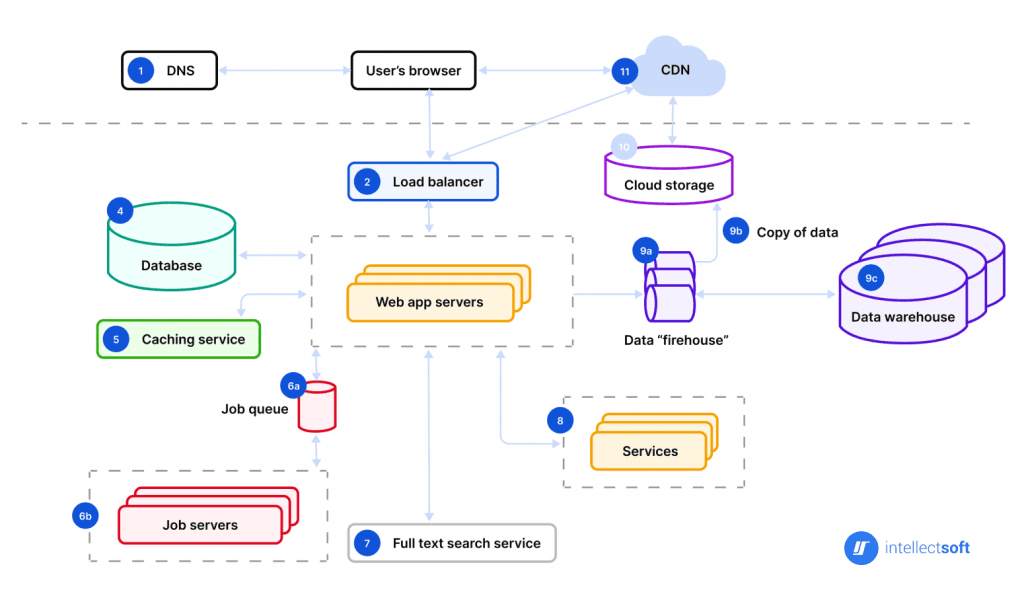
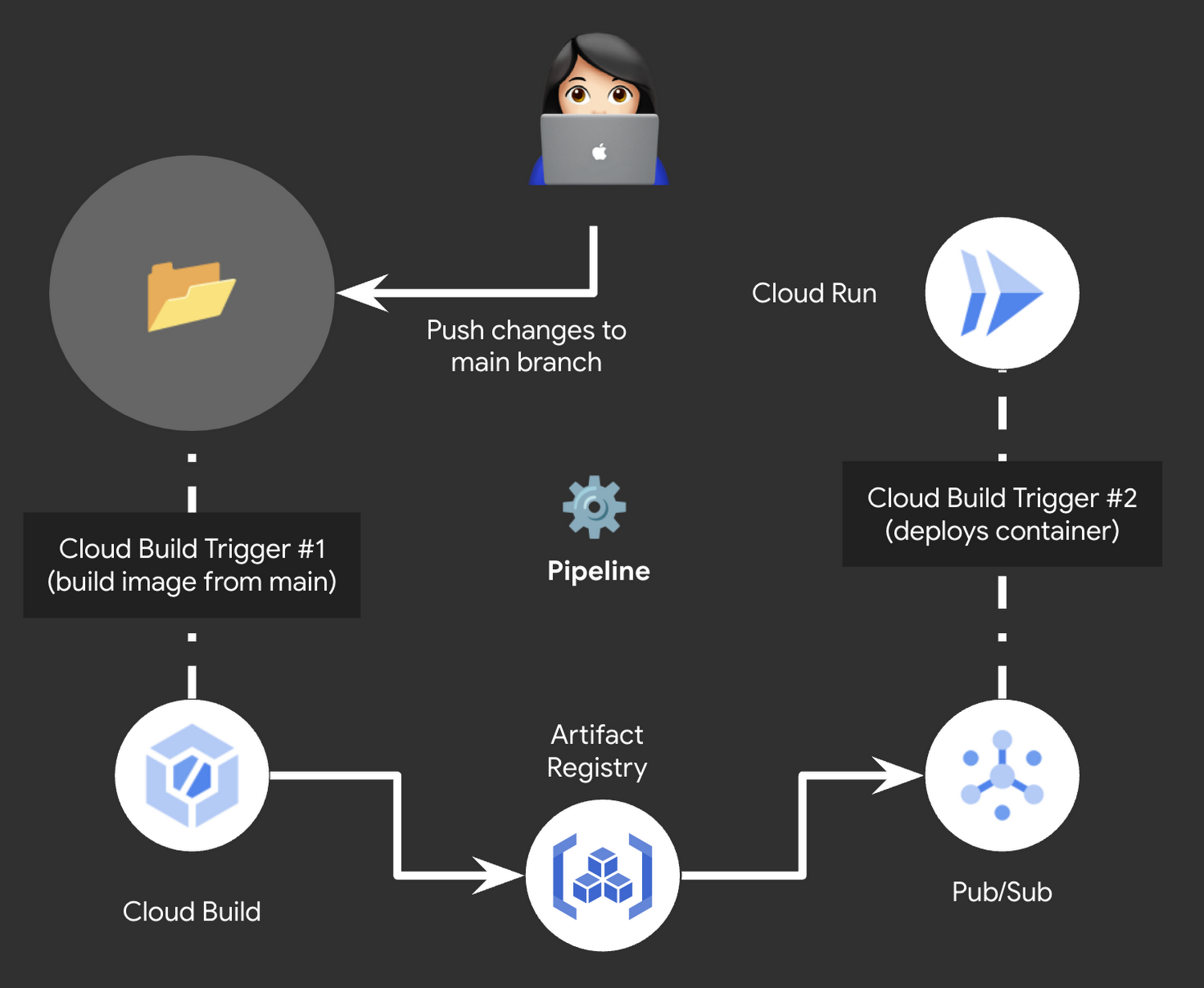
What they do: Cloud infrastructure platforms offering compute, storage, analytics, container management, machine-learning services, etc.
Why startups need them:
- Enables scalability—when your startup grows you don’t need to worry about on-prem servers. (Google Cloud)
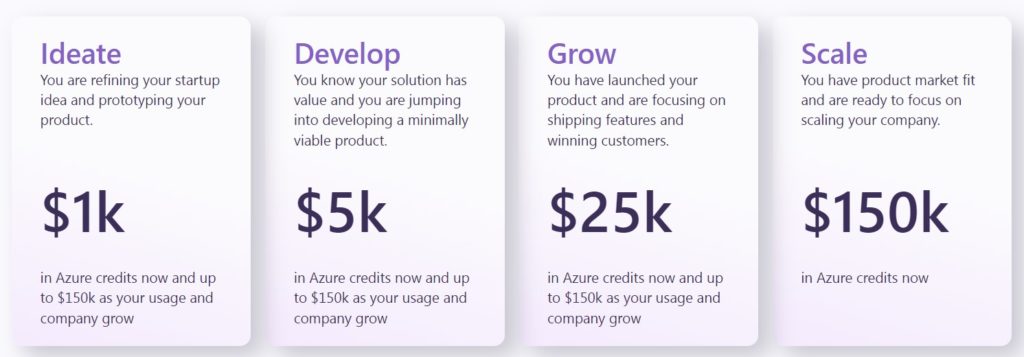
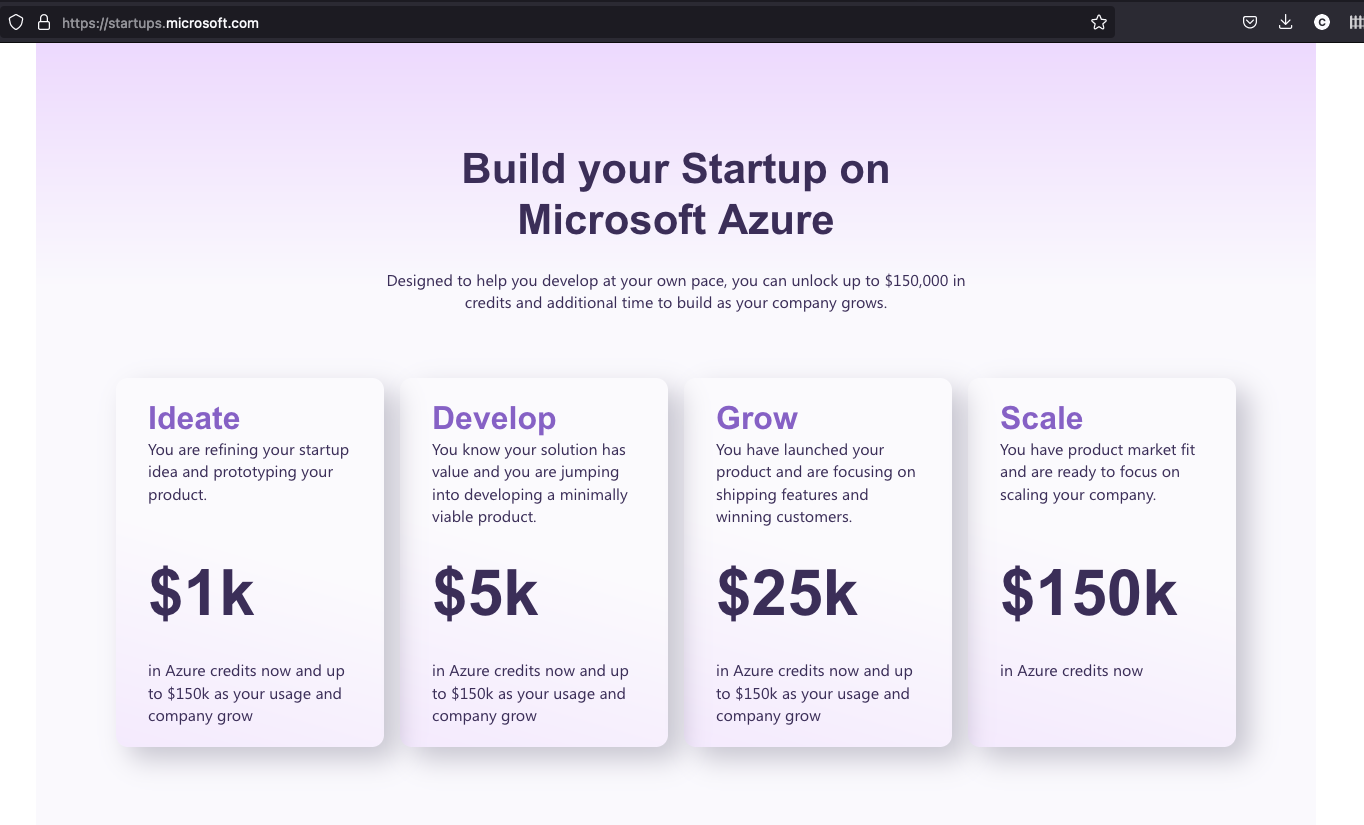
- Many programs provide startup credits, making early cost lower.
What to consider: - Cost planning is essential—cloud usage can ramp quickly if uncontrolled.
- Skill/bootstrapping: ensure you have or can hire people who understand cloud setup/architecture (or use simplified services).
- Security, compliance, data protection must be planned from early on.
✅ Summary Table
| Business Need | Recommended Tool |
|---|---|
| Productivity & collaboration | Google Workspace |
| Team communication | Slack |
| Project / Task management | Asana or Trello |
| Accounting & finance | QuickBooks Online / FreshBooks |
| CRM & marketing automation | HubSpot CRM |
| Cloud storage & file sharing | Dropbox |
| Lightweight workflow tool | Trello |
| Cloud infrastructure & scale | Azure / Google Cloud Platform |
🧭 How to Choose the Right Mix for Your Startup
- Start with your biggest pain point. If your team is scattered and communication is weak → start with Workspace + Slack. If your sales process is manual → start with HubSpot CRM.
- Pick tools you can grow into. Free tiers and inexpensive plans help early on, but ensure the tool’s scaling options won’t cripple you later.
- Integrations matter. The more your tools “talk” to each other, the less friction your team will face.
- Cost control from day one. Monitor user seats, storage, usage; as you scale you don’t want surprise bills.
- Onboarding and training. A tool is only as good as your team using it correctly. Set up best practices early.
- Data security & compliance. Even early-stage startups need to think about data protection especially if you handle customer data.
- Review periodically. As you grow, revisit your tool-stack: what works now may not suffice in six months.
Leave a Reply