1. Google Workspace (formerly G Suite)


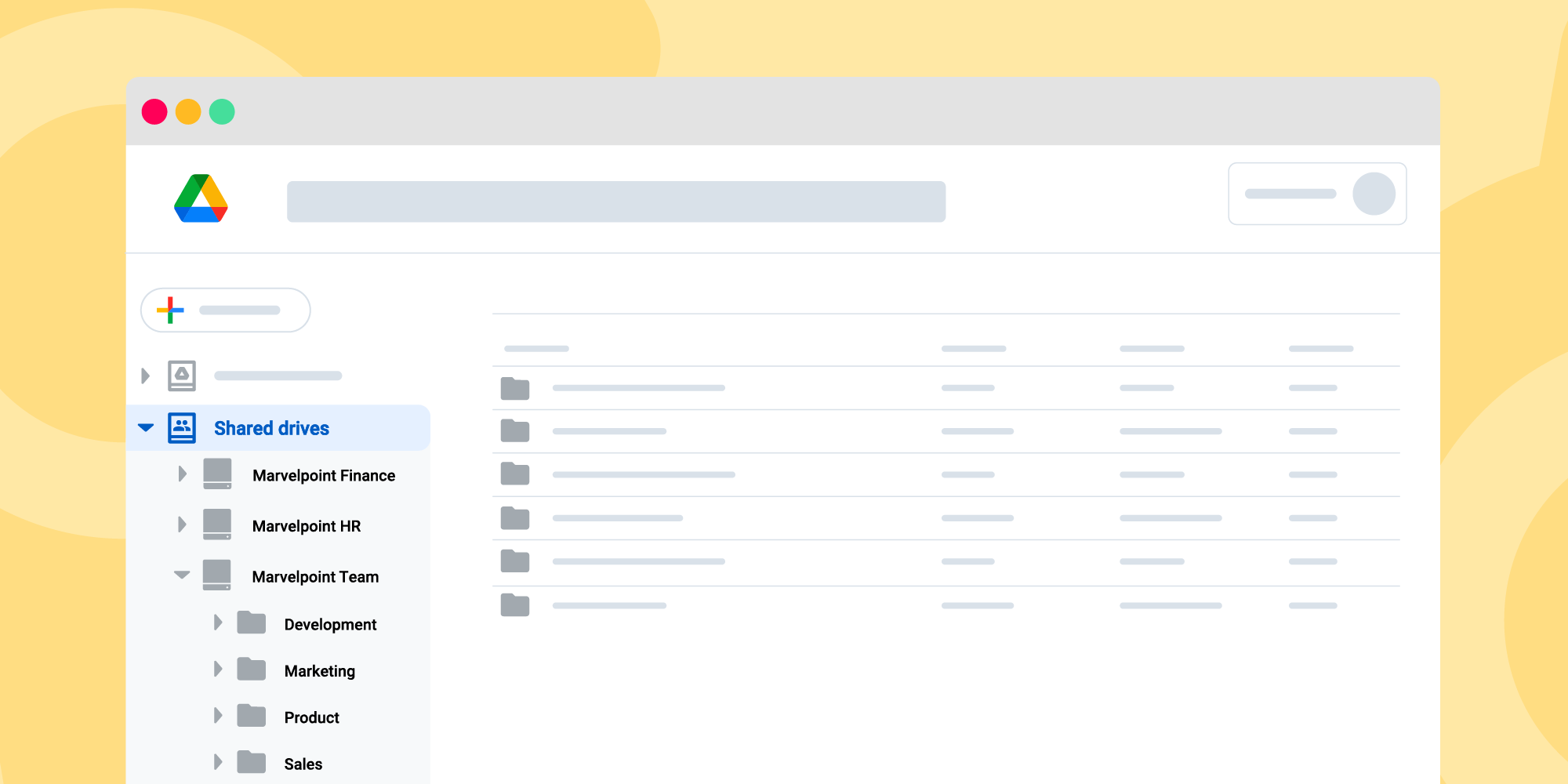

What it does: A full cloud productivity suite including business email (Gmail with custom domain), Drive (cloud storage), Docs, Sheets, Slides (collaboration), Meet (video), plus admin tools.
Why startups love it:
- Enables your team to collaborate in real-time from any location. (Technaureus)
- Cost-effective for small teams, quick to set up.
- Integrates with many other tools.
What to check: - Storage and user-limits for your plan.
- Ensure security settings (two-step verification, access rights).
- If your workflows need more advanced features (e.g., enterprise-grade data loss prevention) you may need higher tier.
2. Slack (Team Communication & Collaboration)
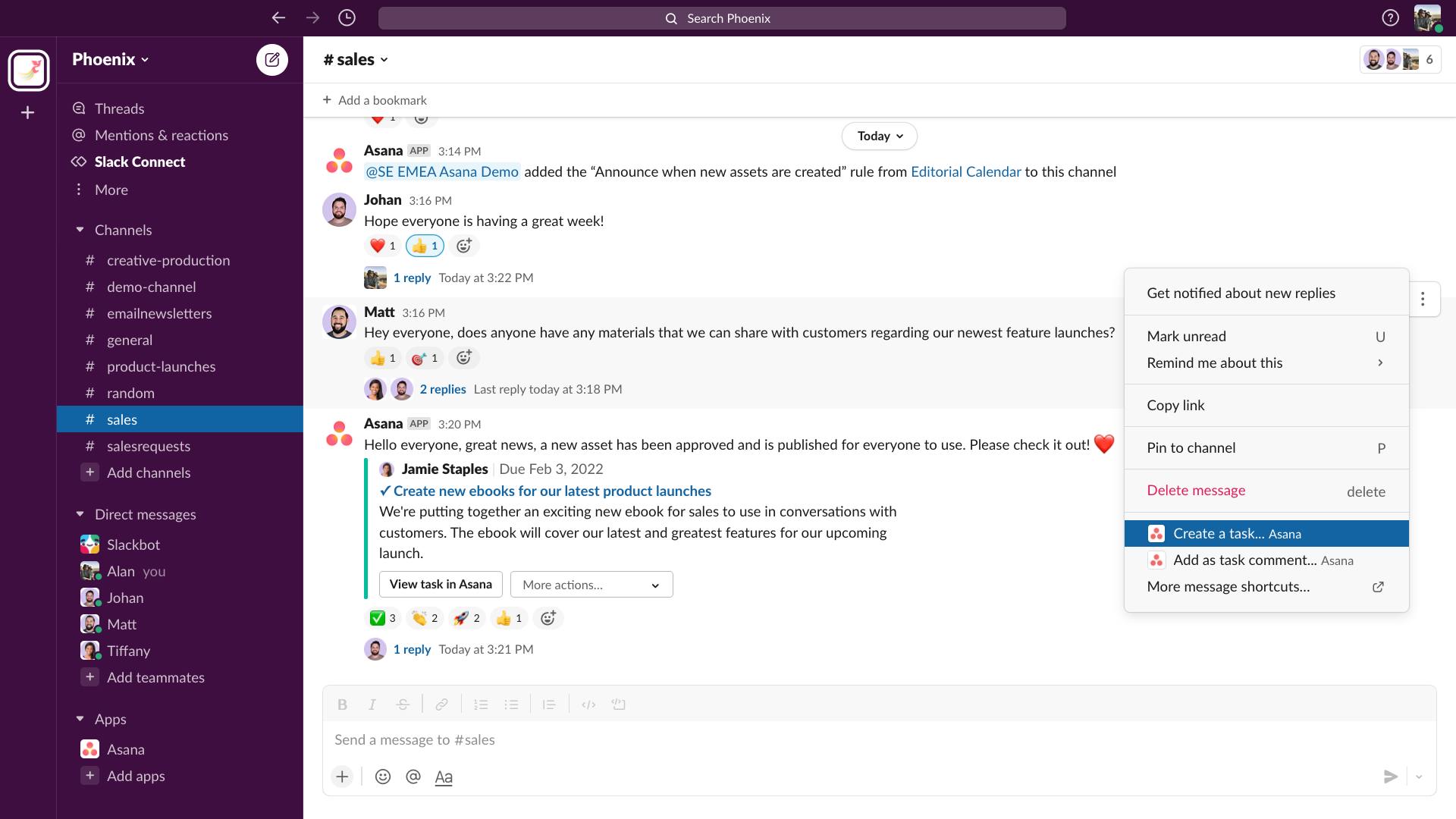
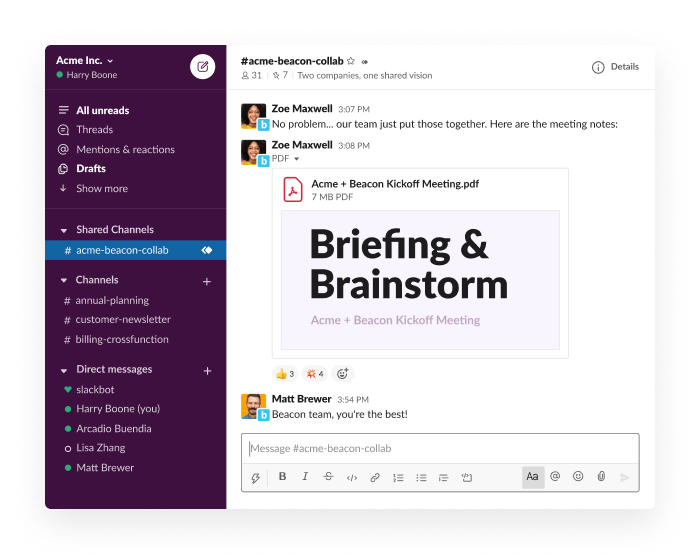


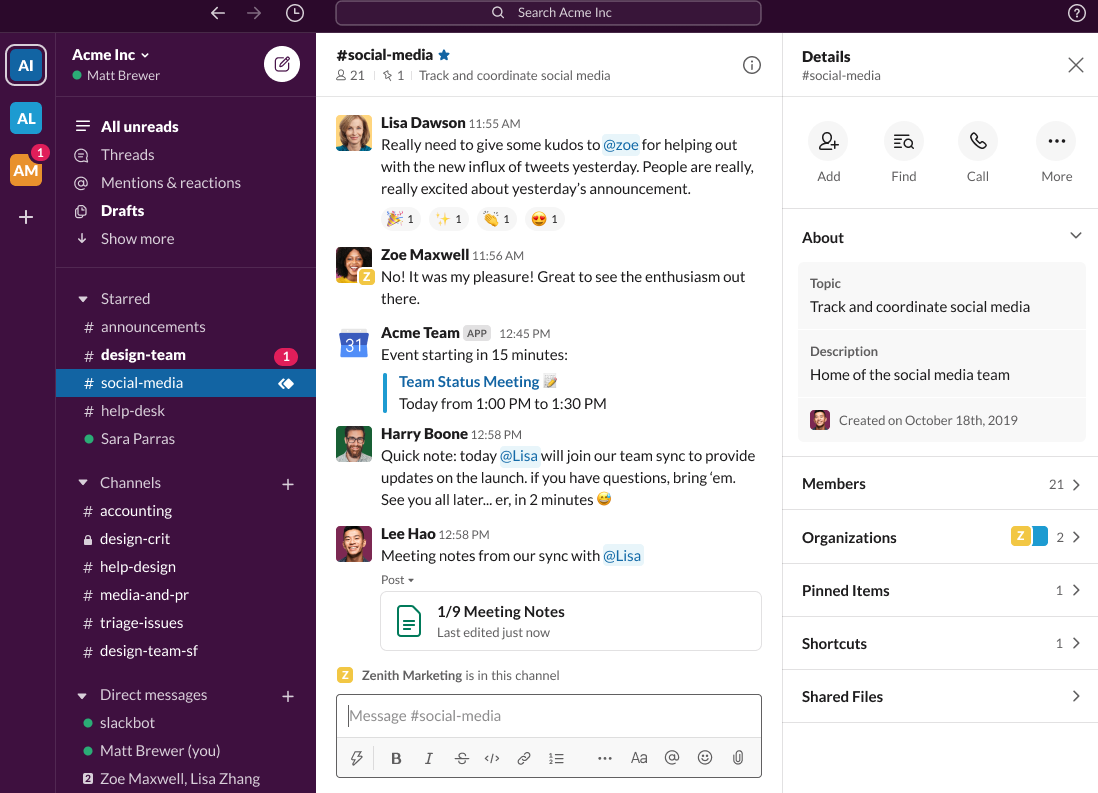
What it does: Cloud-based messaging and collaboration platform with channels, threads, integrations with other apps (files, notifications, bots).
Why useful:
- Centralizes team communication in one place, reducing scattered email chains. (Technaureus)
- Integrates with many productivity and automation tools.
What to consider: - Channels can become chaotic if not well managed—set clear naming conventions and rules.
- Pricing can increase with number of users or features—monitor cost as you scale.
- Data security: ensure access controls especially if sensitive info is shared.
3. Asana (Project & Task Management)
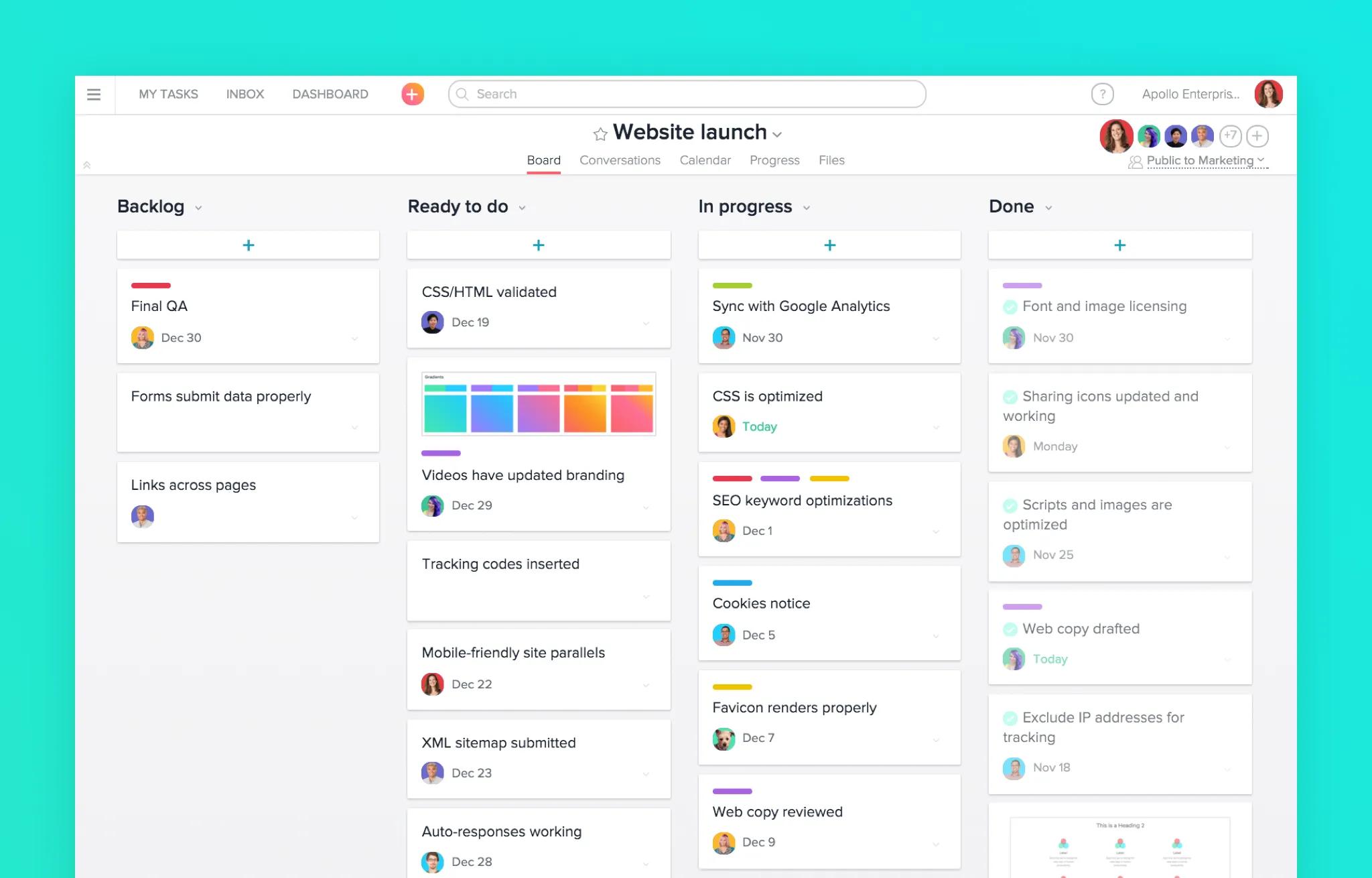
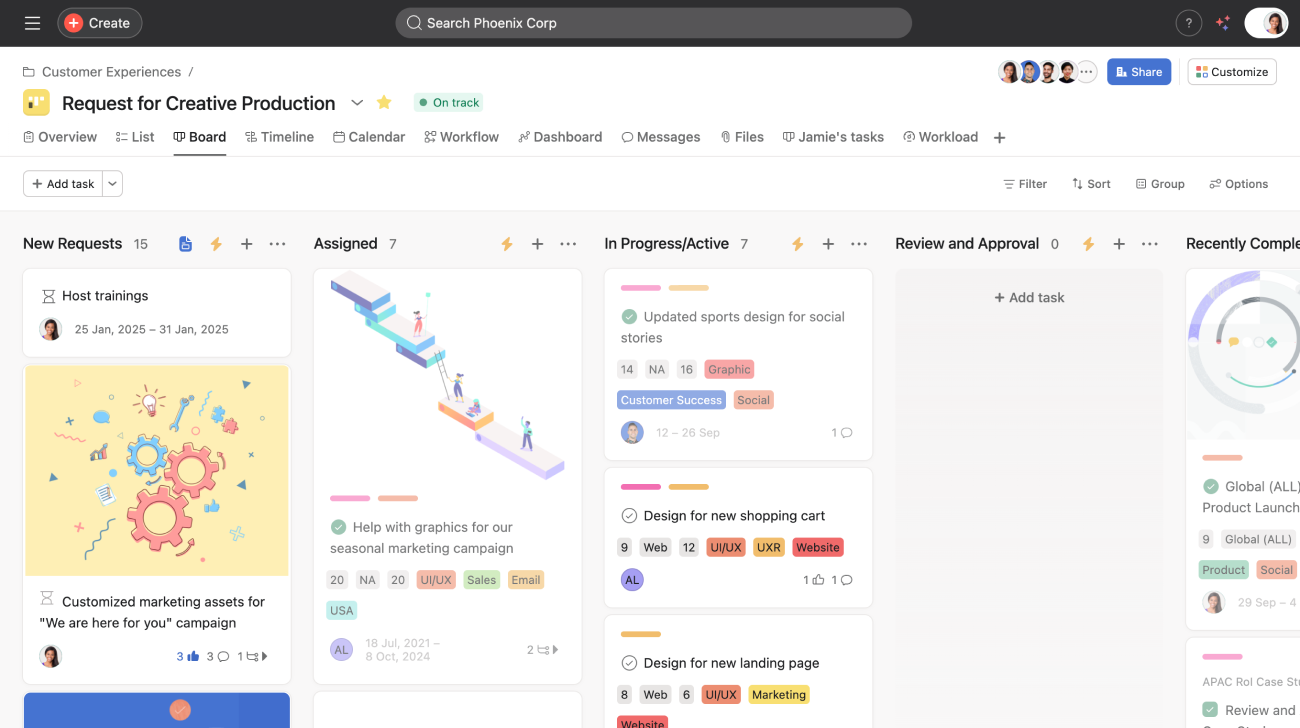
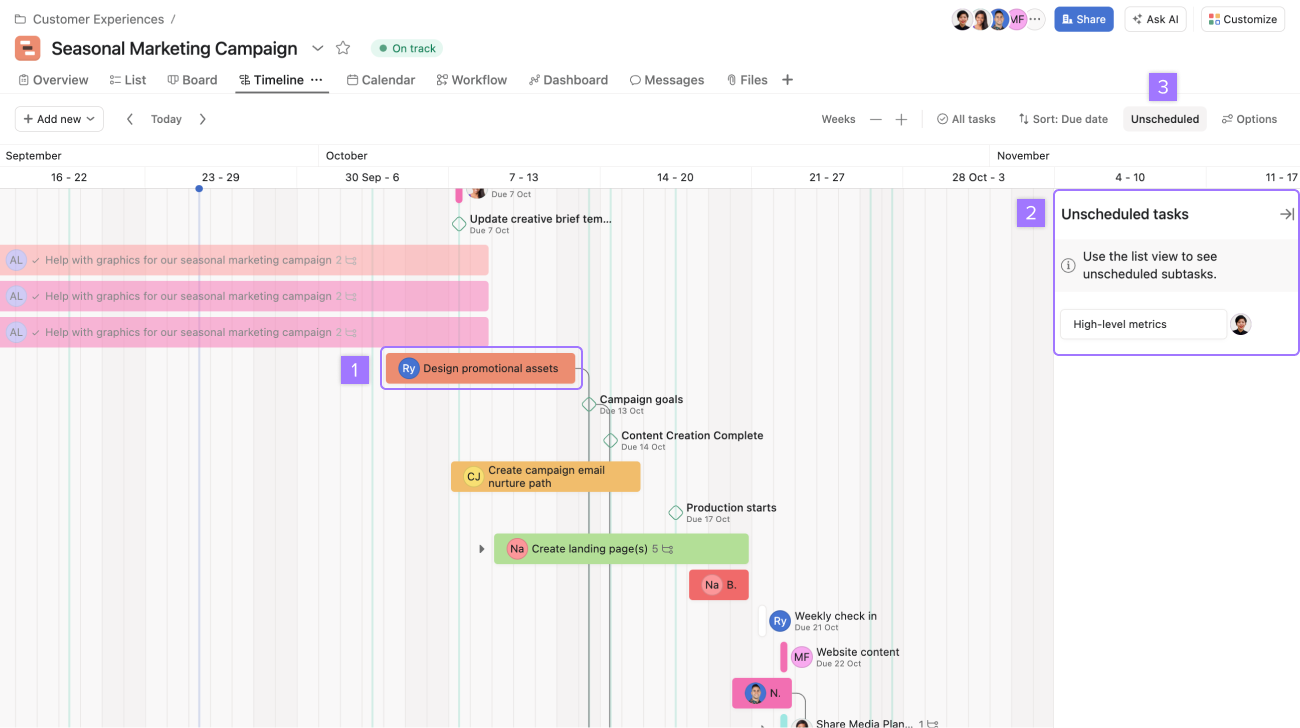
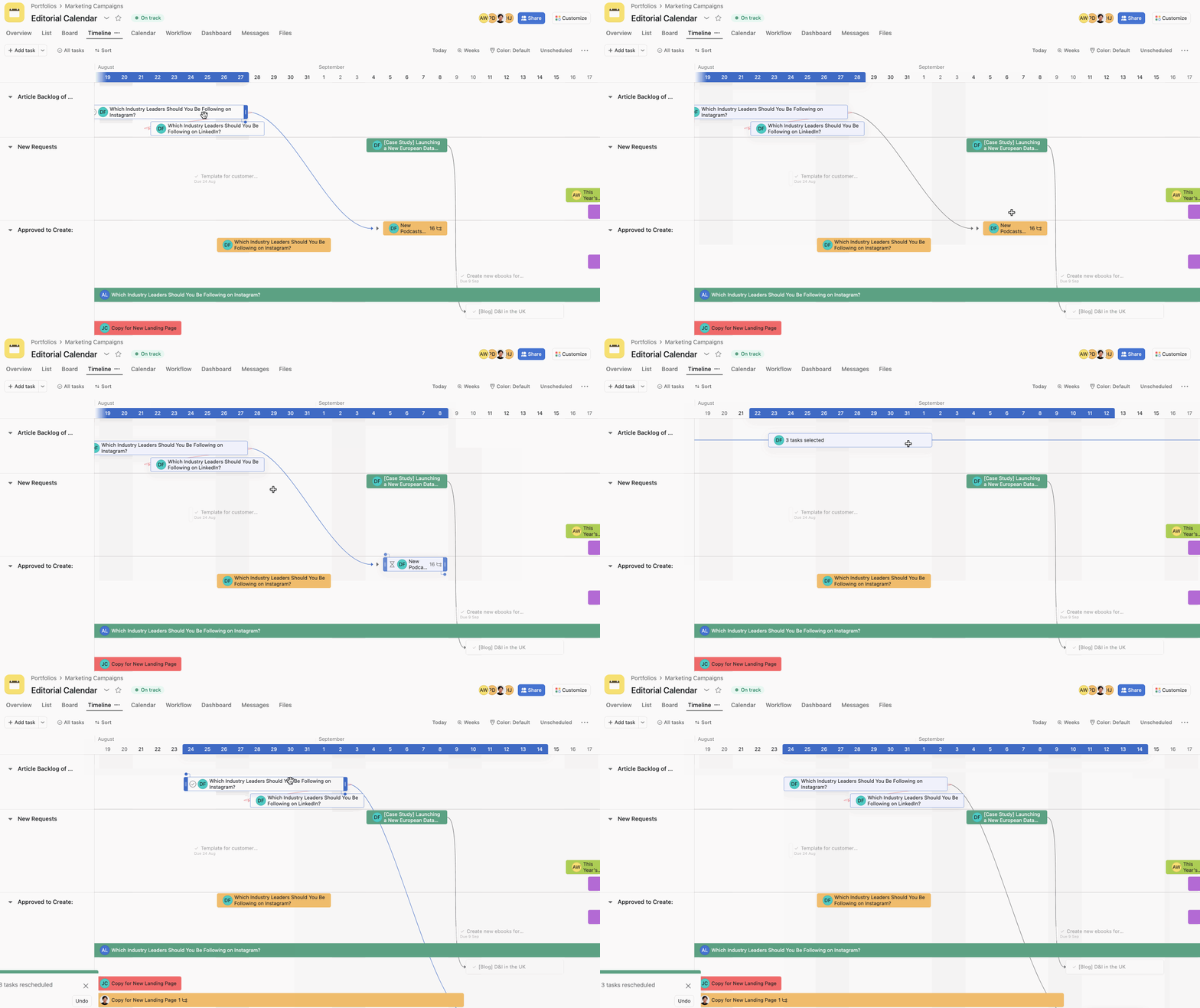

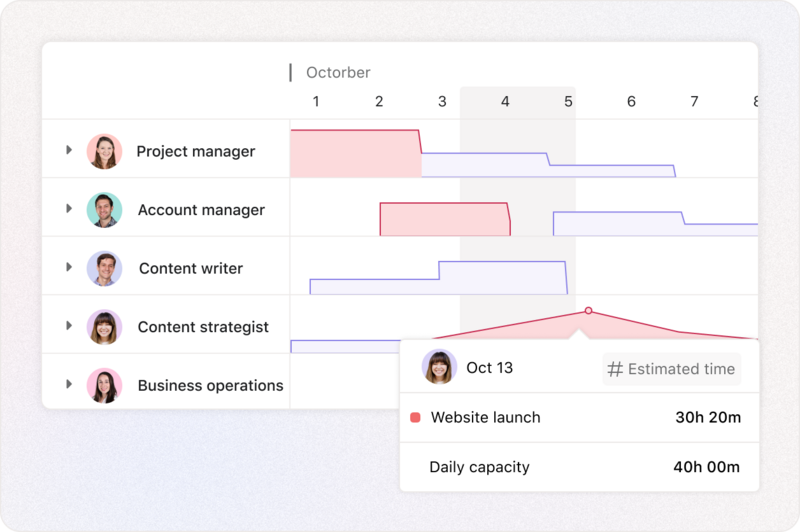
What it does: A cloud project-management tool for organizing tasks, dependencies, timelines, visual boards/lists, tracking progress.
Why it’s useful:
- Helps keep track of who’s doing what by when — key for growing teams. (Technaureus)
- Offers different views (lists, boards, timelines) so you can pick what fits your workflow.
What to check: - If your workflows are very simple, the full feature set may be more than you need initially.
- Ensure team adoption: tools only help if people actually use them consistently.
- Integrations with Slack, Drive, etc make it more powerful.
4. HubSpot CRM (Free CRM + Marketing Automation)
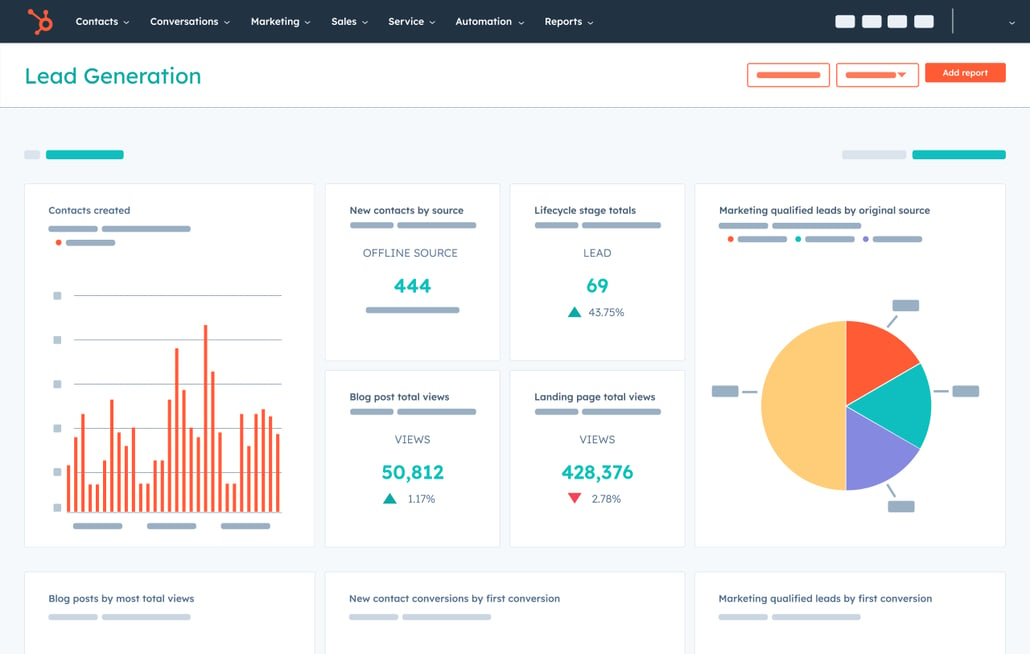
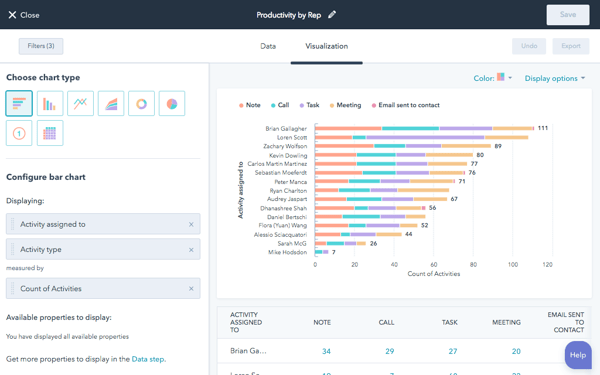
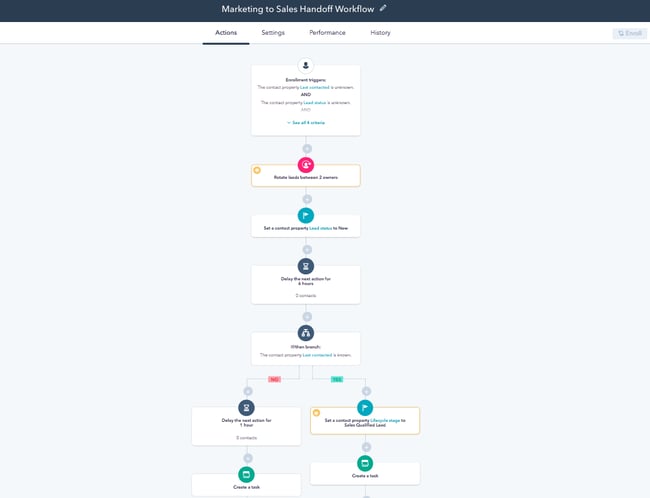



What it does: Cloud-based Customer Relationship Management (CRM) platform with modules for sales, marketing, customer service. The base CRM is free; upgrades add automation and advanced features.
Why startups should consider it:
- Lets you start tracking leads, customer interactions and sales pipelines “from day one”.
- Because it’s free for base users, you can test it before committing to paid tier.
What to check: - Free tier limits: number of users, contacts, features.
- When upgrading, make sure the cost-benefit is clear.
- Integration with your website, email marketing, and other tools is key.
5. Dropbox Business (Cloud Storage & File Management)
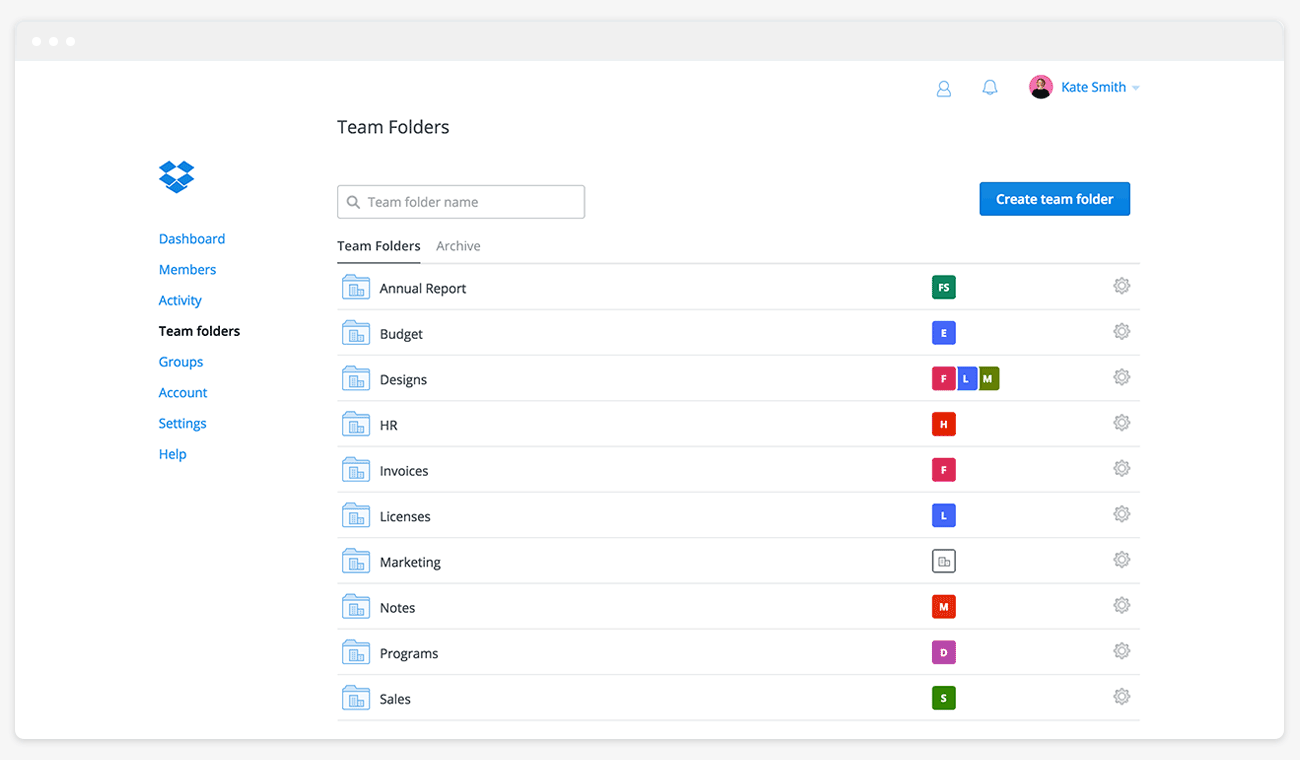

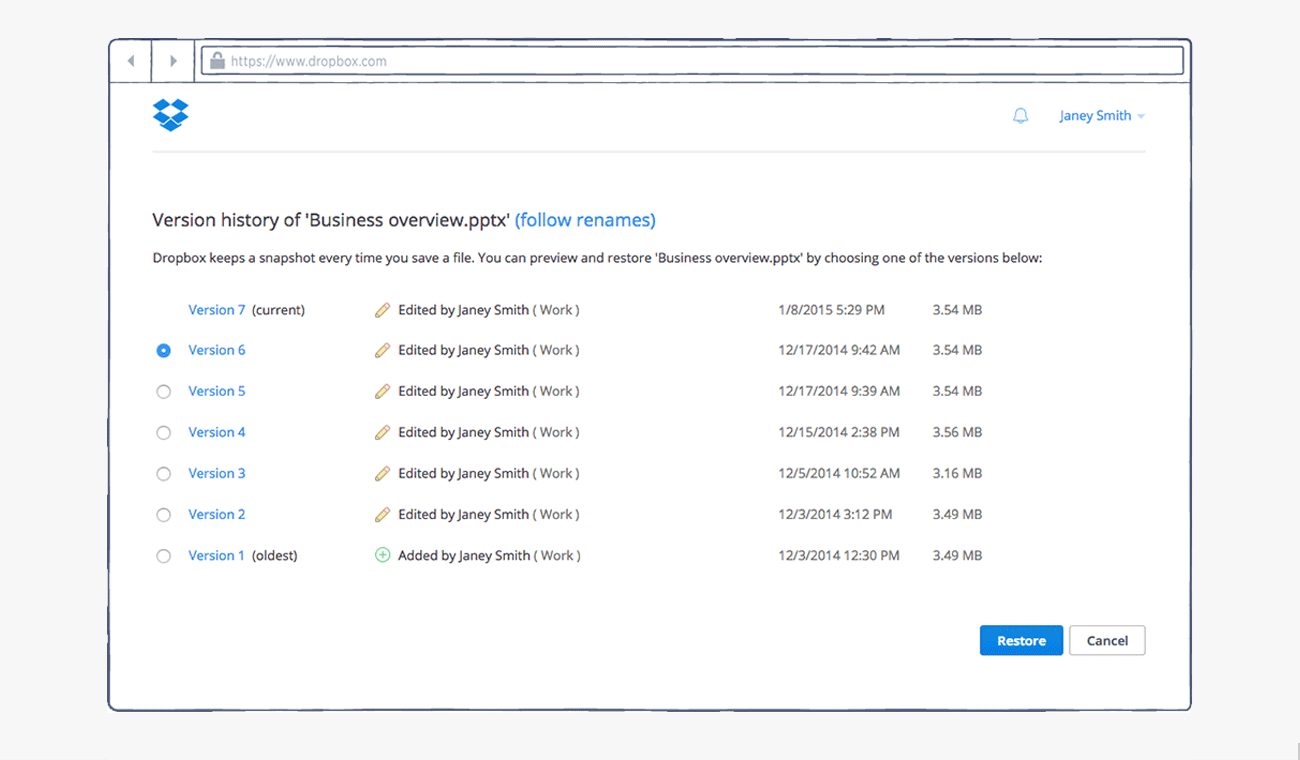
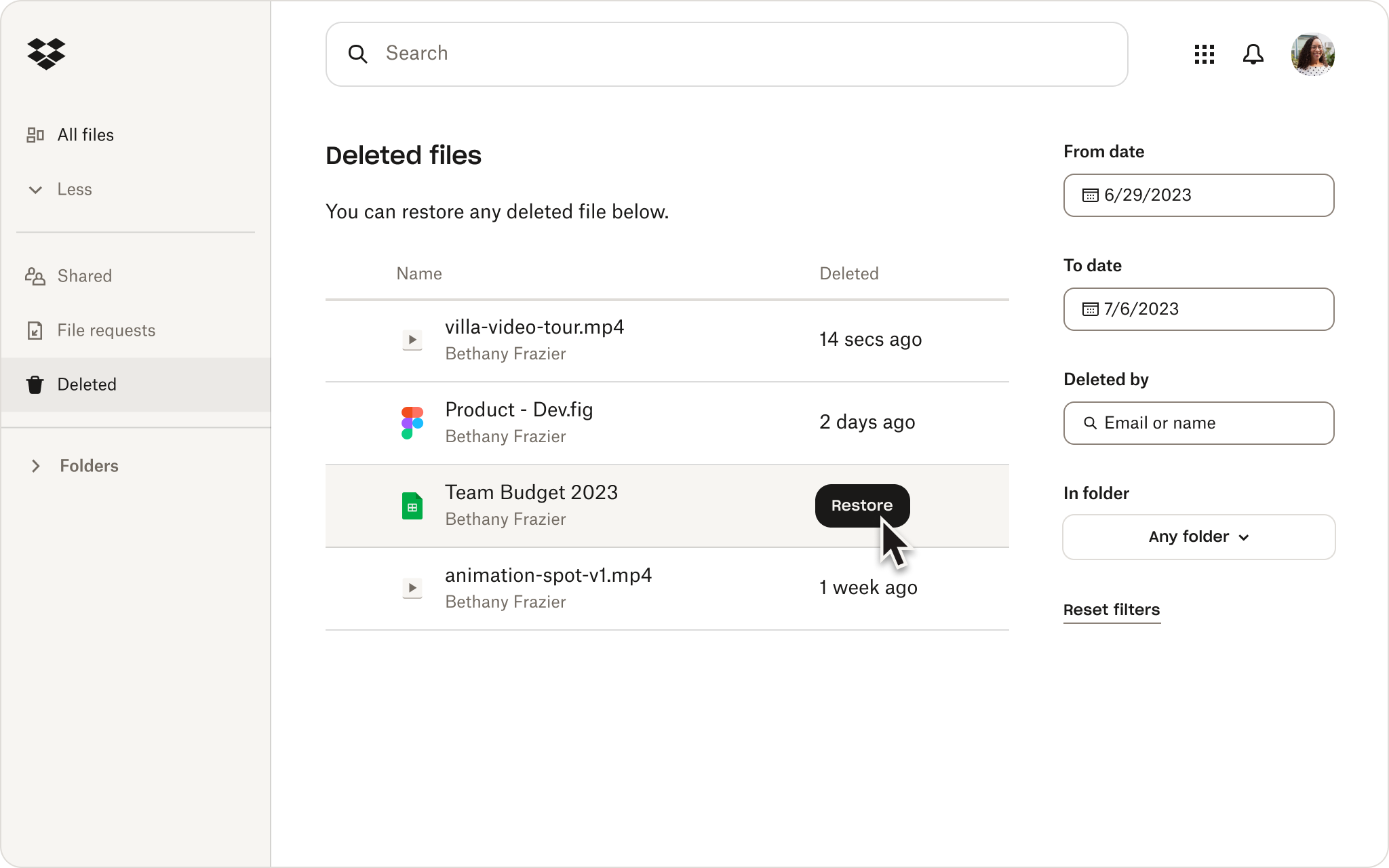
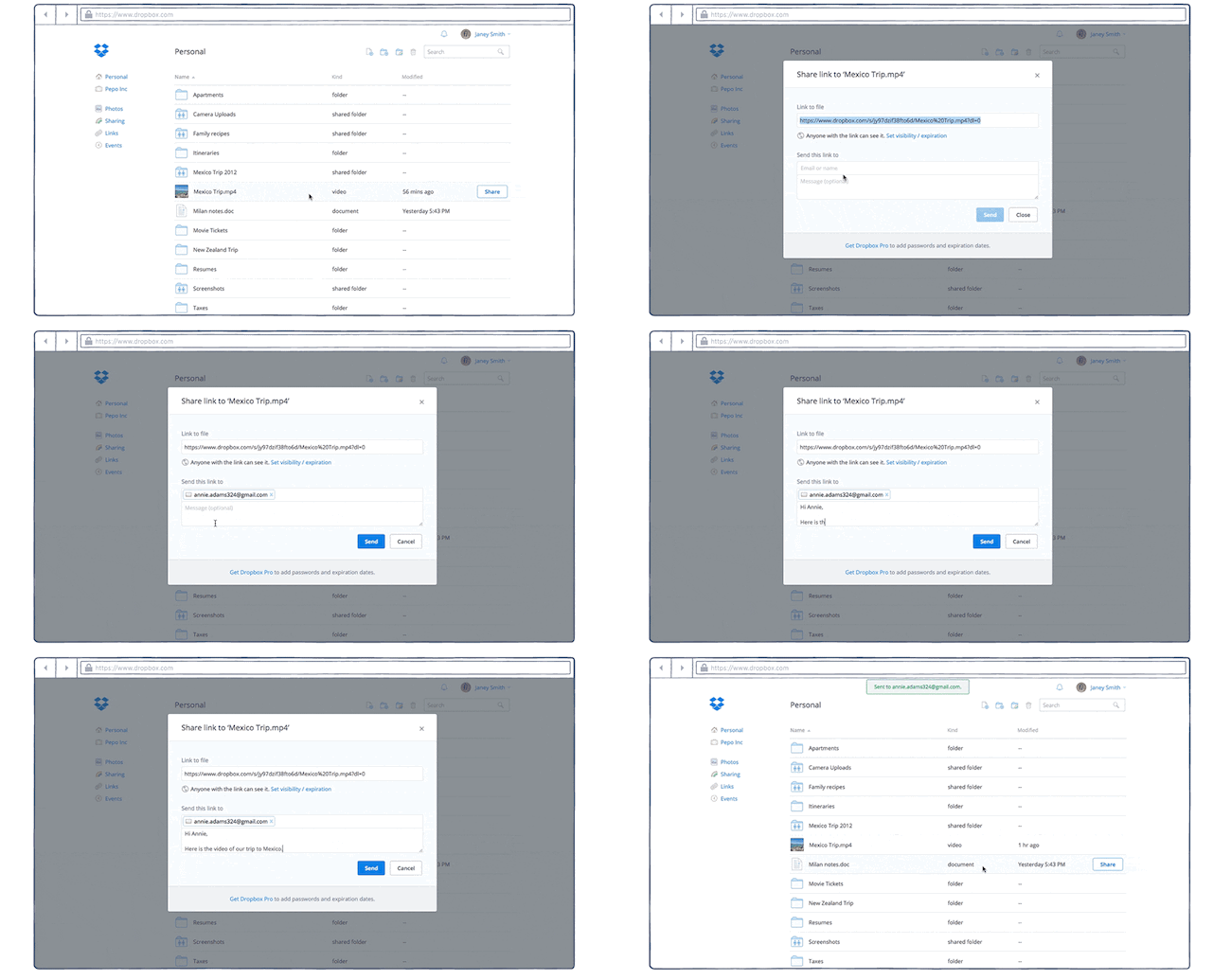
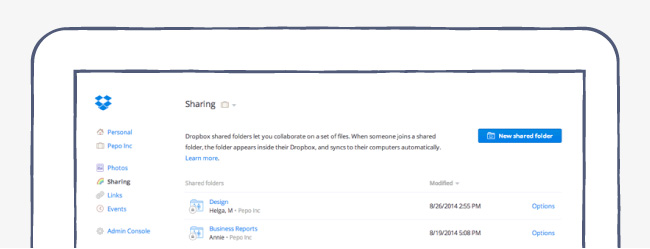
What it does: Cloud file storage, sync across devices, team folders, versioning, sharing links.
Why relevant for startups:
- Startup teams often generate design assets, documents, presentations—having cloud storage helps with access and collaboration. (Technaureus)
- Good backup and version history helps protect against accidental overwrites or data loss.
What to check: - Storage cost: as you add files/users the cost grows—plan storage needs.
- File organization and permissions: without structure you can get clutter quickly.
- Integration: How well does it work with your other tools (Slack, Asana, etc)?
6. Trello (Lightweight Visual Task/Board Tool)
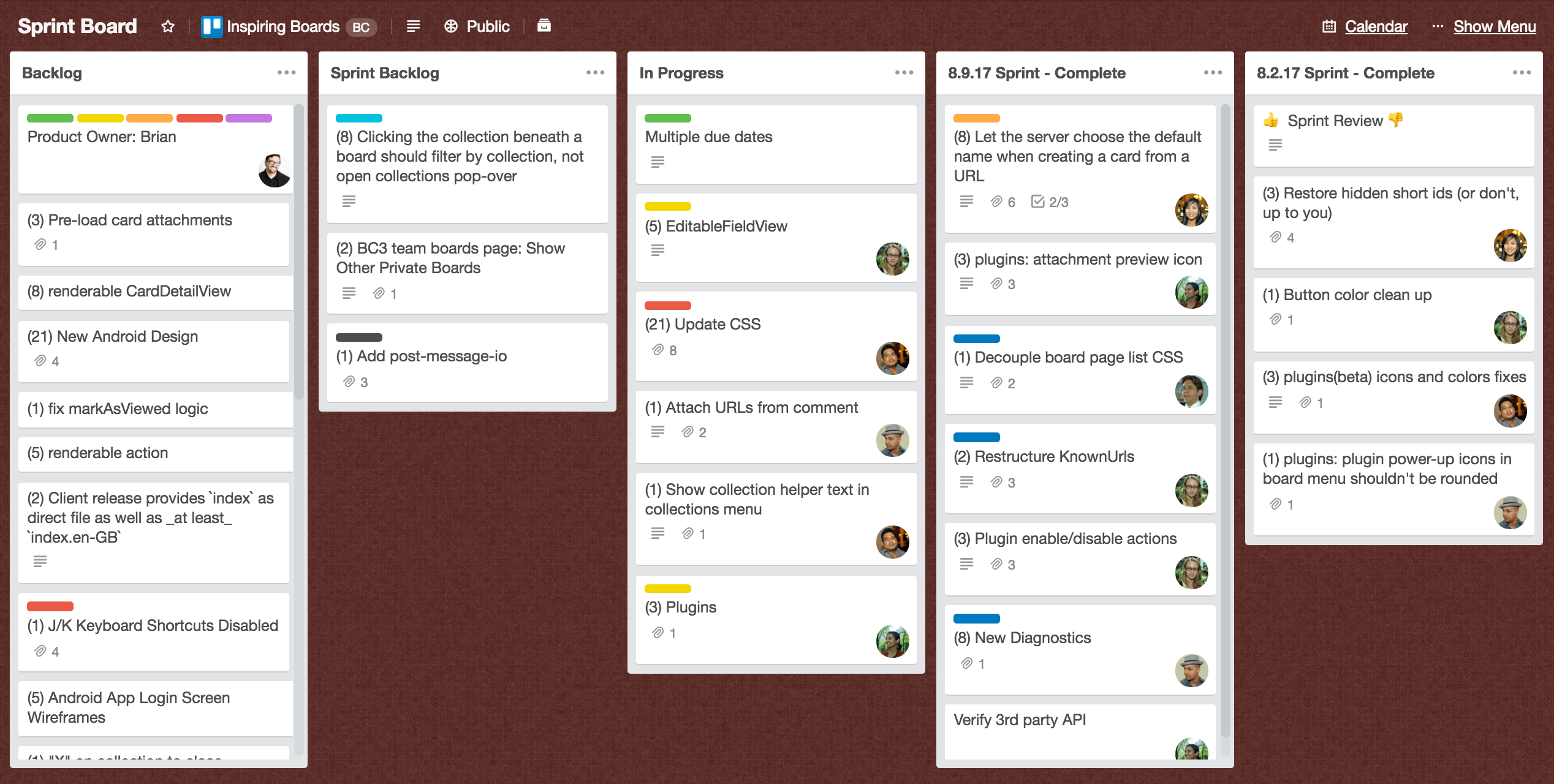
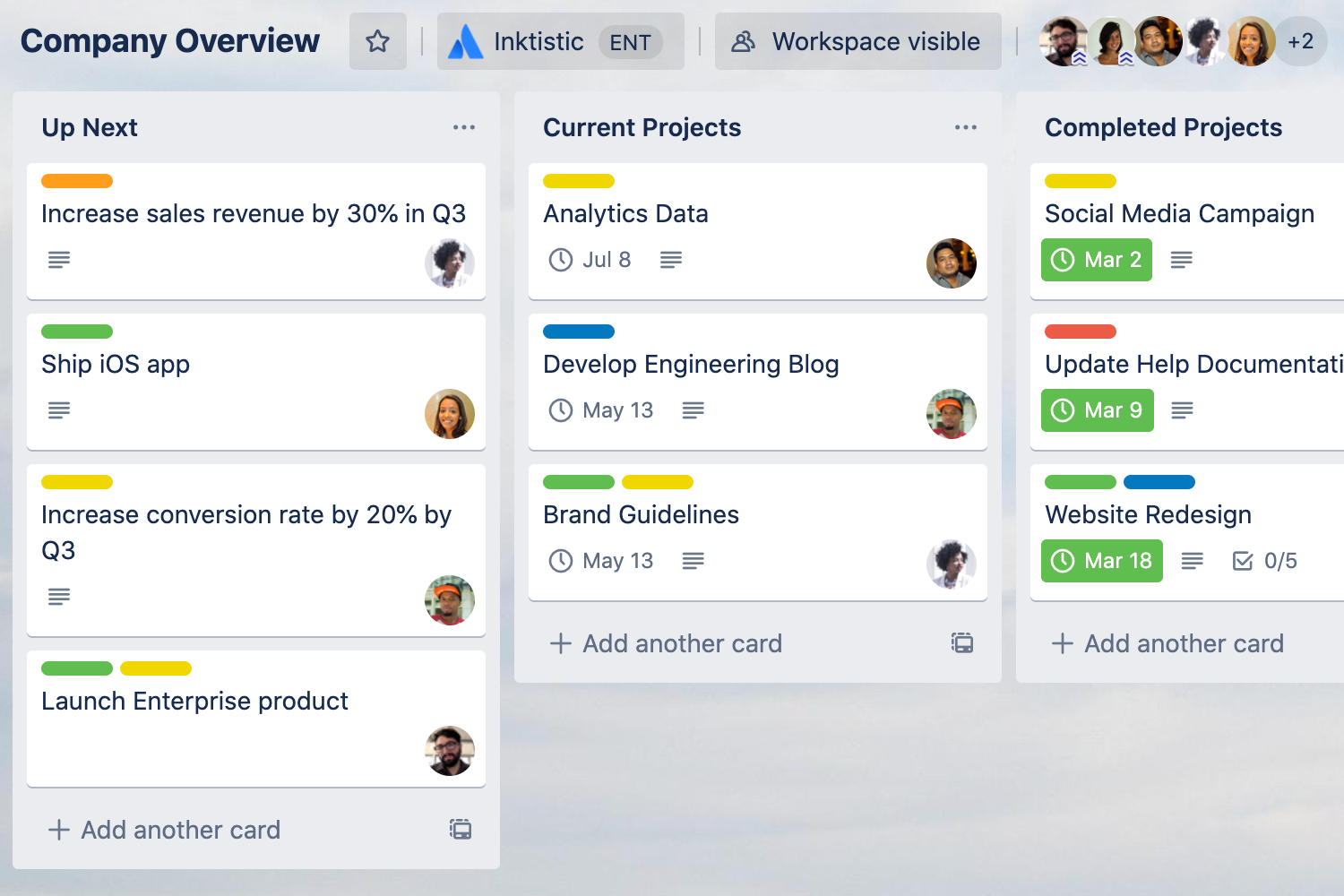


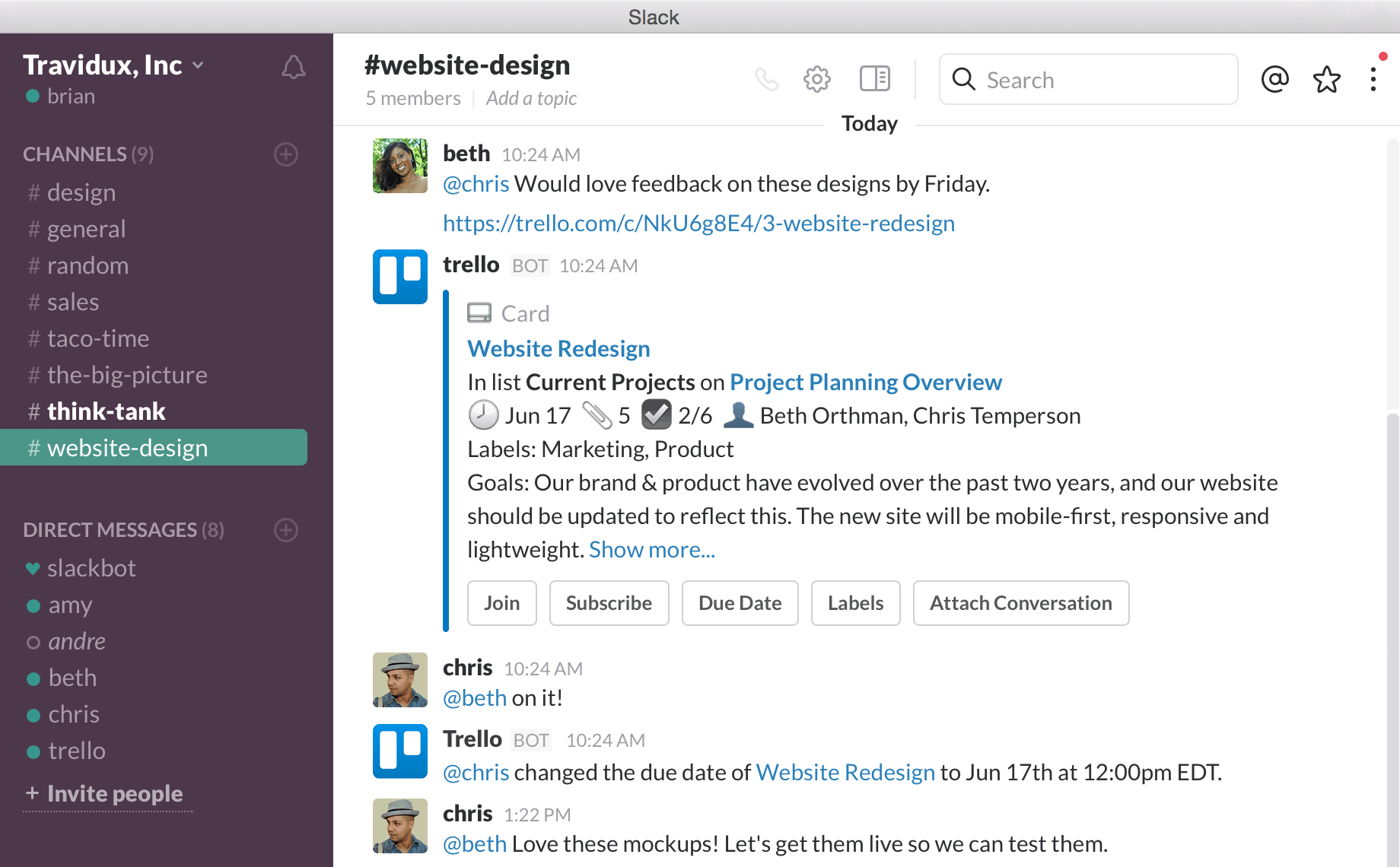

What it does: A Kanban-style cloud tool for tracking tasks, checklists, workflows visually.
Why it works well for early stage startups:
- Very easy to get started; minimal learning curve. (Technaureus)
- Good for simple workflows and smaller teams without complex project-management needs.
What to consider: - You may outgrow it: if tasks have many dependencies, deadlines, or resources you might need a more feature-rich tool.
- Requires discipline: cards should be moved, updated consistently.
- Data export: if you later migrate tools, make sure you can get your data out.
7. QuickBooks Online / FreshBooks (Cloud Accounting & Finance)



What they do:
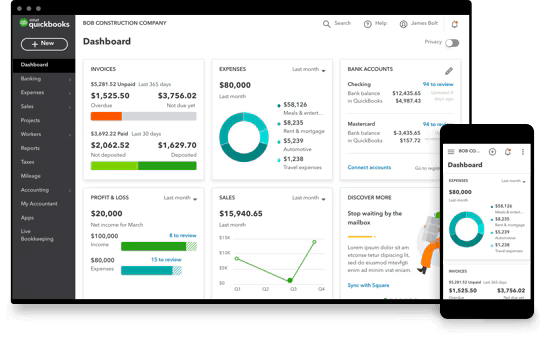
- QuickBooks Online: Full-featured cloud accounting for small/medium businesses (invoices, expenses, taxes, payroll).
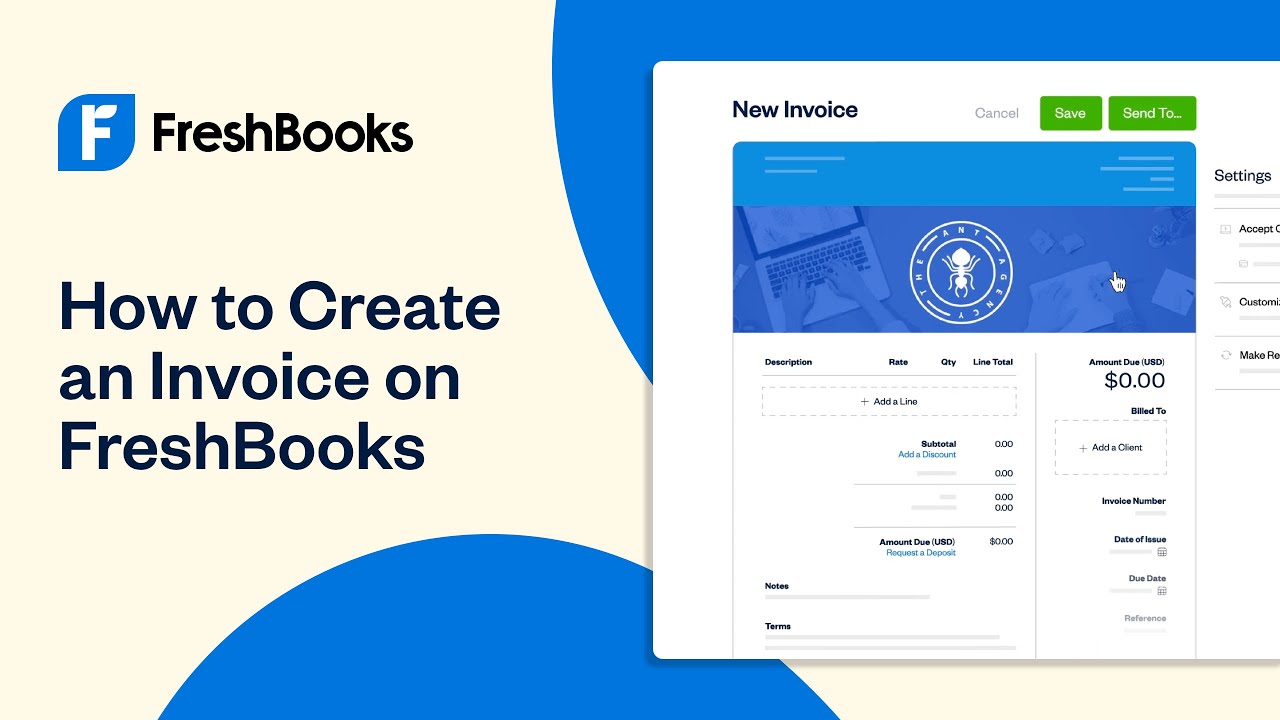
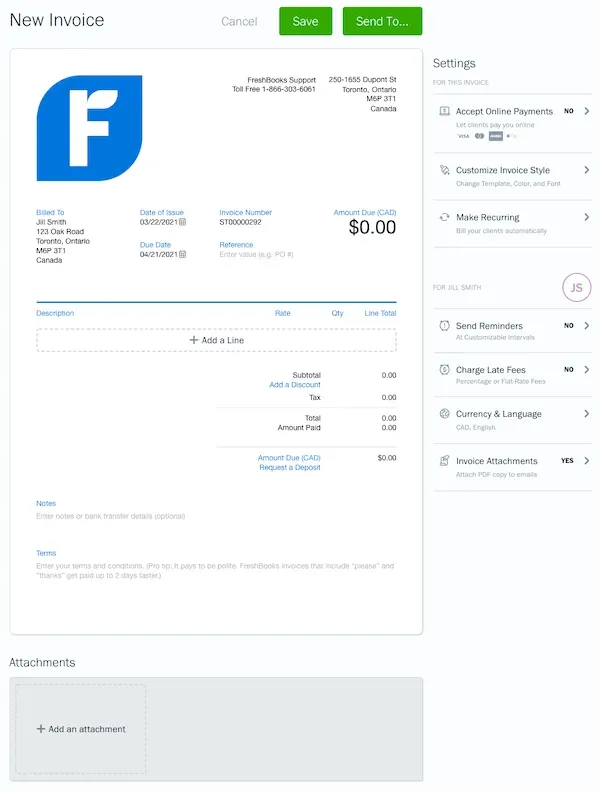
- FreshBooks: More focused on freelancers and service-based startups (time tracking, invoicing).
Why important for startups: - Keeping your finances clear, organized and accessible is essential especially when you’re trying to grow or get investment.
- Cloud means you can access from anywhere and share with accountants/bookkeepers easily.
What to check: - Choose plan appropriate for your needs (employees, payroll, expenses).
- Make sure proper user access and roles are set for financial data.
- Integration with banks, payment gateways for smooth workflow.
8. Microsoft Azure or Google Cloud Platform (Cloud Infrastructure & Scaling)


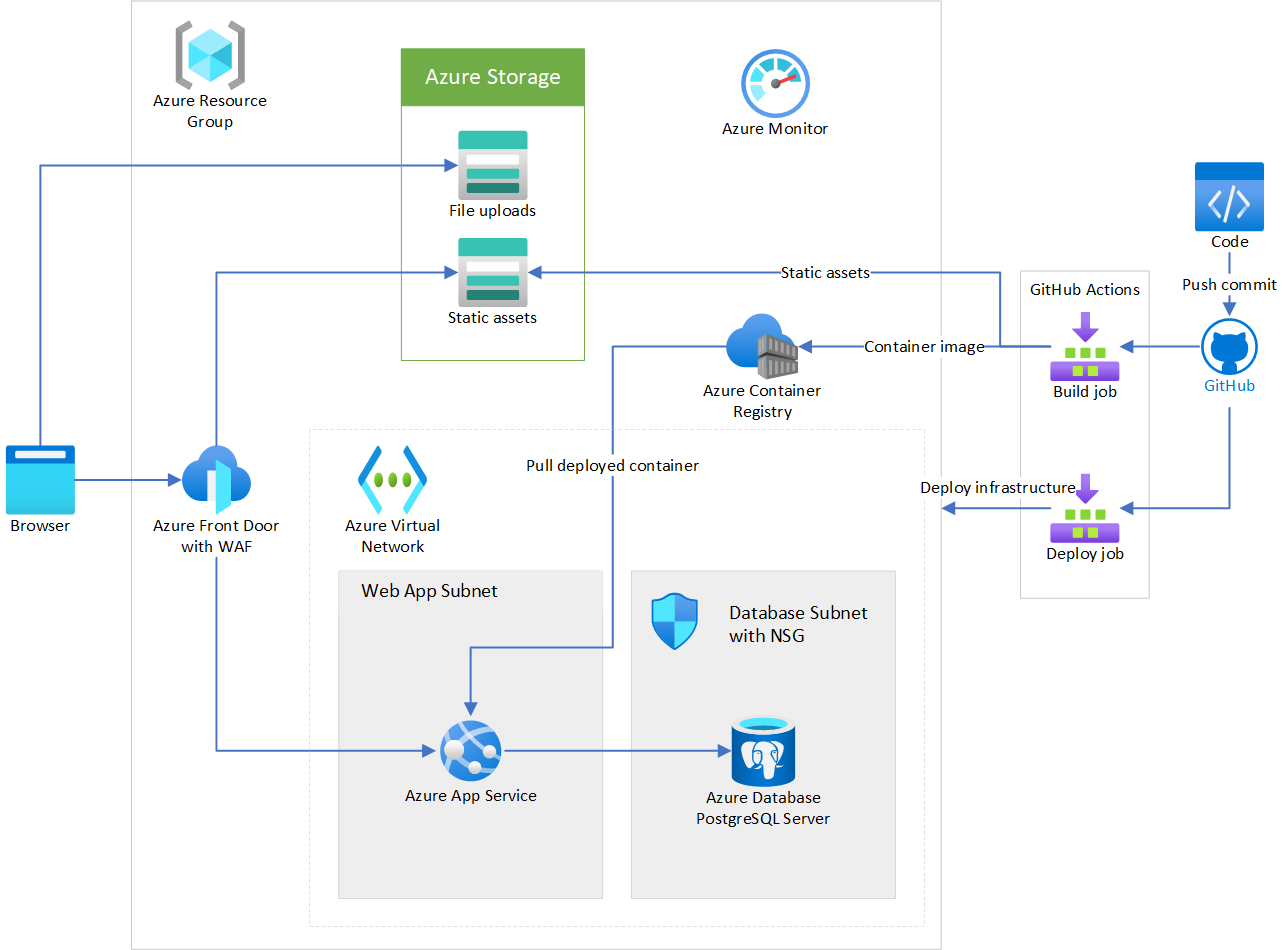



What they do: Provide cloud compute infrastructure (servers, storage, databases, machine-learning tools, containers), enabling you to host your application or business systems.
Why startups should care:
- Gives you the ability to scale as you grow without owning physical servers. (Uplatz)
- Many startup programs provide credits for early stage companies.
What to consider: - Cloud costs can ramp quickly if not managed. Set budget alerts and monitor usage.
- Ensure you have (or hire) someone who understands cloud architecture if your product is heavily cloud-based.
- Security and compliance matter: ensure proper access controls, backups, and data protections.
🧭 Summary Guide to Get Started
Here’s a quick decision matrix to pick what to implement first:
- If your team is scattered and collaboration is weak → Start with Google Workspace + Slack.
- If you struggle linking tasks and deadlines → Add Asana or Trello.
- If you don’t yet have CRM and marketing tracking → Consider HubSpot CRM.
- If your financials are messy → Choose QuickBooks Online or FreshBooks.
- If you have a product or app that needs hosting → Evaluate Azure or Google Cloud.
- If design assets or files are scattered → Use Dropbox Business.
✅ Final Thoughts
The right cloud tools can significantly reduce overhead, improve team alignment, and give you professional capability right from day one.
But remember: tools don’t fix process — you also need to define how your team uses them, set structure, and monitor usage.
Start lean, choose what solves your immediate pain point, then expand. As your startup grows, revisit your stack frequently to ensure each tool still fits and cost-makes sense.
Leave a Reply